
How to Correct and Avoid Invalid Email Address Issues
In this guide, we’ll explore what an invalid email address actually is, why it’s a problem, and most importantly, how to fix and prevent the problem.
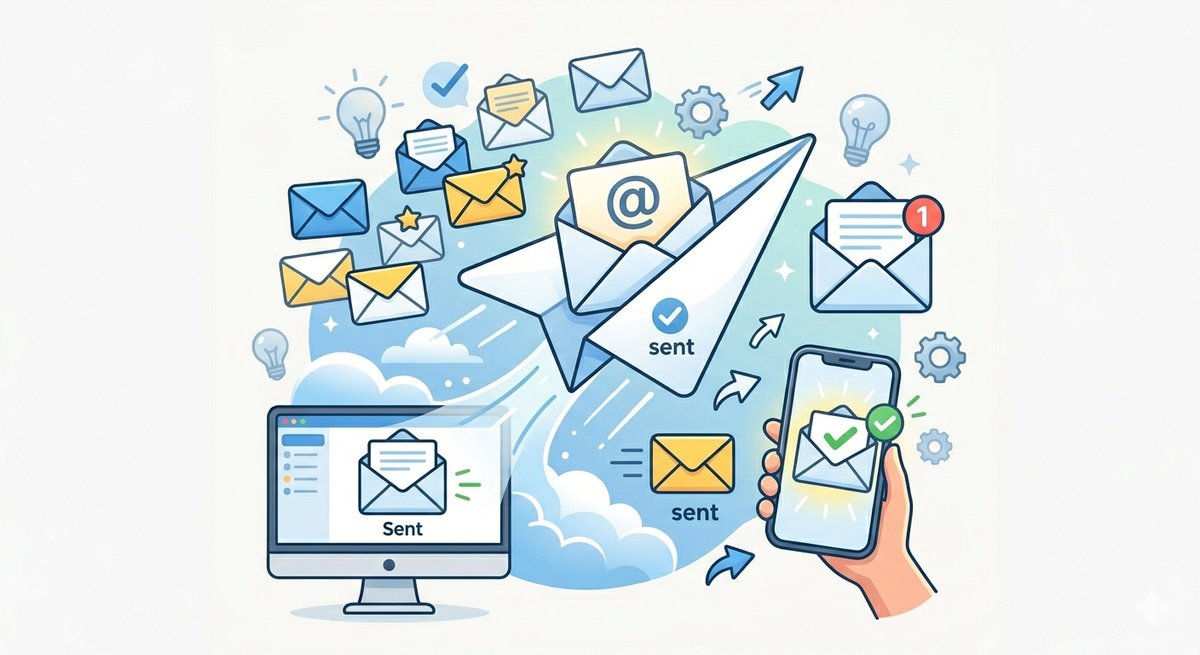
So imagine this… You spend hours building an email campaign, hit send, and watch your bounce rate skyrocket.
Right, frustrating? But more often than not, the culprit is something surprisingly simple: invalid email addresses hiding in your contacts list.
In this guide, we’ll explore what an invalid email address actually is, why it’s a problem, and most importantly, how to fix and prevent the problem. There is no technical jargon or confusing acronyms. Simple, straightforward advice.
What Is an Invalid Email Address, Anyway?
Think of an email address as a home mailing address. If the street name is misspelt or the house doesn't exist, the letter will be sent back to you. Same idea over here.
An invalid email address is one that just won't get messages. When you try to send something to it, your email bounces back, usually with an error like “mailbox not found” or “this domain doesn’t exist.”
Every email address has two basic parts:
- The username: the part before the @ symbol (e.g.,
yourname) - The domain: the part after the @ symbol (e.g.,
gmail.com)
If either part is broken, missing, or fake, the whole address becomes invalid.
Here are the main types of invalid email addresses you'll come across:
1. Typos and formatting mistakes: things like john.doe@@gmail.com or janedoe@gmail,comfew little errors that make the address technically unusable.
2. Made-up or dead domains: If someone types in [email protected] a domain that was never registered (or has since been shut down), the email has nowhere to go.
3. Deleted or closed inboxes: The domain is real, but the specific account was deleted or suspended. Think of an old work email from a company you no longer work for.
4. Throwaway emails: Some people sign up for things using temporary, disposable email addresses just to get access. These might work for a day or two, but they're designed to disappear.
5. Generic department emails: Addresses like [email protected] these [email protected] aren't always invalid, but they're risky — they often go unmonitored or lead to poor engagement.
Why Should You Even Care?
You might be thinking, "So a few emails don't deliver – big deal." But here's why it actually matters a lot:
1. It Hurts Your Reputation as a Sender
Email services like Gmail and Outlook are constantly monitoring how your emails are performing. If your messages bounce too often, they begin to think you’re careless or worse, a spammer. The result? More of your emails, even the good ones, are headed to spam folders.
2. It Wastes Your Money
If you're paying for an email marketing platform, you're paying per send. Sending to dead or fake addresses means you're literally throwing money away on emails that will never be seen by anyone.
3. It Messes Up Your Data
Imagine trying to measure how successful an email campaign was, but a quarter of your list is made up of fake or dead addresses that never opened anything. Your numbers, open rates, and click rates all look worse than they really are, making it hard to make good decisions.
4. It Can Get You Blacklisted
In serious cases, consistently sending to bad addresses can get your email domain flagged or blacklisted. That means even your legitimate emails stop getting delivered. It's a headache that can take weeks to undo.
How Do Invalid Emails End Up on Your List?
They don't just appear out of nowhere. Here are the most common ways they sneak in:
Someone made a typo when signing up. This is the #1 reason. People mistype their email addresses all the time: a missing letter here, a wrong domain there. gmial.com 'Instead of' gmail.com is a classic example.
The email address was real once but isn't anymore. People change jobs, abandon old accounts, or switch email providers. An address that was perfectly valid a year ago might not work today. In fact, email lists can lose up to 20-30% of their active contacts every year just from natural turnover.
Someone gave a fake address on purpose. People do this to grab a free trial, download something, or avoid getting marketing emails. They type in something random just to get past the form.
You bought a contact list. Purchased email lists are risky territory. They're often full of outdated, recycled, or outright fake addresses. They might make your list look bigger, but the quality is usually poor.
The domain itself shut down. Companies go out of business. When a company's website goes offline, their email domain often disappears with it, making every address at that domain instantly invalid.

How to Spot Invalid Email Addresses
The Manual Way (for small lists)
If you only have a handful of addresses to check, you can eyeball them for obvious problems:
- Is there a
@symbol? - Is there a domain after the
@? (e.g.,.com,.net) - Are there any weird characters, spaces, or double punctuation?
Examples of clearly invalid emails you can catch this way:
john [email protected]← has a space[email protected]← has two dots in a row[email protected]← domain is missing
This works fine for a small list but becomes impractical quickly.
The Smart Way (for larger lists)
For any list with more than a few dozen contacts, you'll want to use an email verification tool. These tools do the heavy lifting automatically. They check:
- Is the format correct?
- Does the domain actually exist?
- Does the specific inbox exist and accept messages?
- Is it a throwaway or disposable email?
The result is a clean report telling you which addresses are good to send to, which are risky, and which should be removed completely.
How to Fix the Problem
Once you know which emails are invalid, here's how to deal with them:
Fix the Obvious Typos
If you can clearly see what the person meant—like gmial.com instead of go ahead and correct it. These are easy wins.
Remove the Ones You Can't Fix
Deleted accounts, made-up domains, and permanently broken addresses can't be salvaged. Cut them from your list. Keeping them around only hurts your performance.
Try to Win Back Inactive Contacts
Some addresses are technically valid, but the person hasn't opened anything in months. Before removing them, send a simple "Are you still interested?" email. If they don't respond, it's time to let them go.
Set Up a Confirmation Step
One of the best preventative fixes is called 'double opt-in.'
Here's how it works: when someone signs up with their email, you send them a confirmation link. They have to click it to be added to your list. This instantly filters out typos and fake addresses because a real person has to actually confirm they own that inbox.
How to Stop Invalid Emails From Getting In (Going Forward)
Fixing your current list is step one. Keeping it clean going forward is step two.
Validate emails the moment someone types them. Some tools can check an email address in real time — right when someone fills out a sign-up form — and flag it if something looks wrong. This stops bad addresses before they ever touch your list.
Use the double opt-in method (it's worth repeating). It adds one small extra step for new subscribers, but it pays off enormously in list quality.
Clean your list regularly. Make it a habit (every few months) to run your list through a verification tool. People's inboxes change, and an address that was valid six months ago might not be anymore.
Be careful with purchased lists. If you must use them, run the entire list through a verification tool before sending anything. And honestly, building your own list from people who genuinely want to hear from you is always the better long-term strategy.
Keep an eye on your bounce rate. If you notice your bounce rate climbing, that's your early warning signal that invalid emails are building up. Don't ignore it.
Quick FAQs
What's the difference between an invalid email and an inactive email? An invalid email is one that simply cannot receive anything — it doesn't exist or is broken. An inactive email exists and works, but the person never opens your messages. Both are problems, but for different reasons.
What's a hard bounce vs. a soft bounce? A hard bounce means the delivery failed permanently, as the address doesn't exist. A soft bounce is temporary — maybe the person's inbox is full right now. Hard bounces need to be removed from your list immediately. Soft bounces can be retried.
How often should I clean my list? Every 3 to 6 months is a good rule of thumb. If you send frequently, lean toward doing it more often.
Are disposable emails always a problem? Not right away. They work for a short time. But they're designed to stop working, so they'll eventually bounce. It's better to filter them out from the start.
Can I fix all invalid emails? No. Some, like deleted accounts or domains that no longer exist, are gone for good. The best you can do is remove them and focus on the contacts that are real and reachable.
The Bottom Line
Invalid email addresses are sneaky. They accumulate quietly in your contact list, and by the time you notice the damage through rising bounce rates, tanking open rates, or emails landing in spam, they've already done a number on your sender reputation.
The good news is that this is a completely solvable problem. A combination of regular list cleaning, a real-time validation step at sign-up, and a double opt-in process will keep the vast majority of bad addresses out.
Think of your email list like a garden. If you let weeds (invalid addresses) grow unchecked, they choke out the healthy plants (real, engaged subscribers). But with a little regular maintenance, you'll have a clean, thriving list that actually delivers results.