
The 6 Best Free Adobe Illustrator Alternatives for Email Designers
Most email marketers don't need Adobe Illustrator, though. This guide talks about six free alternatives to Illustrator and shows how email teams use them in real life.
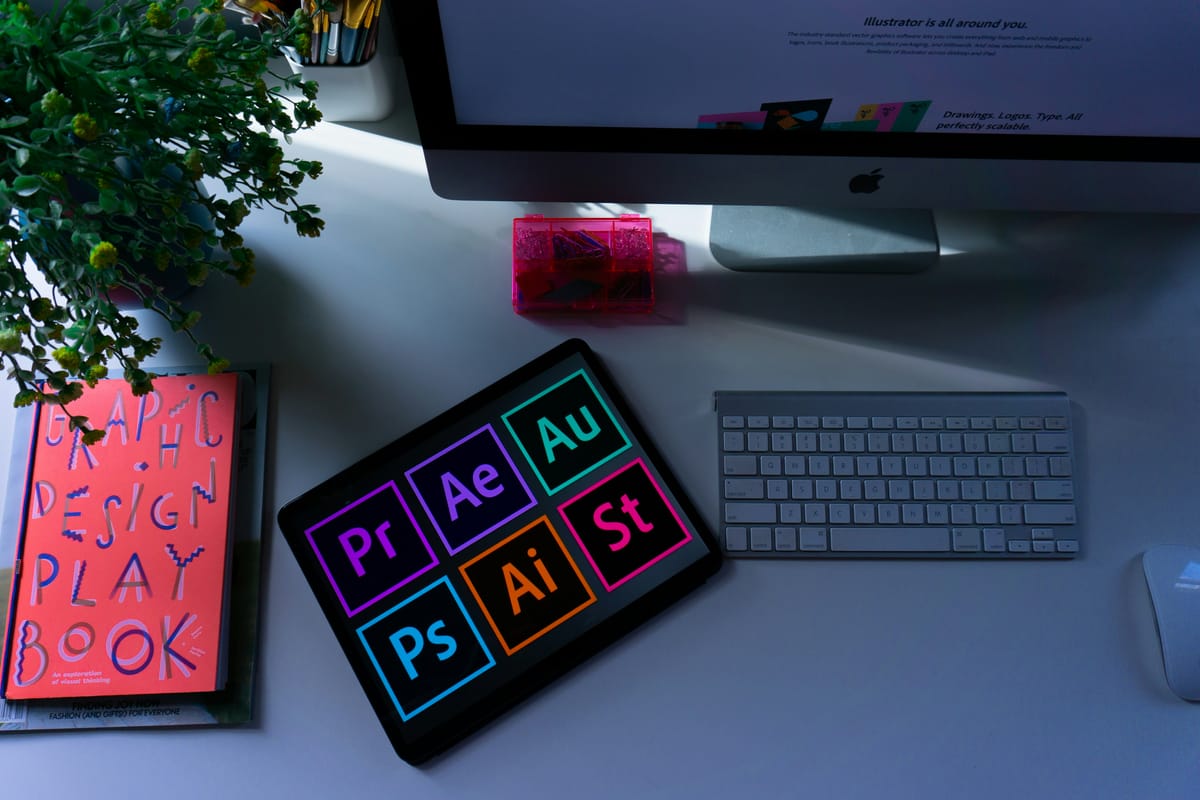
Adobe Illustrator costs $22.99 per month. That's $263.88 every year just to make graphics for your emails.
Most email marketers don't need Adobe Illustrator, though. You're not making designs for billboards or magazine covers. You need some icons for your header, a few buttons, and maybe some badges that show social proof. That's all.
But you're already paying for your email platform, your analytics, and maybe some deliverability tools. Adding another $264 annual subscription feels excessive, and it truly is.
The good news? There are completely free alternatives that do everything you actually need for email design. No subscriptions. No trials. Just solid tools that won't drain your marketing budget.
This guide talks about six free alternatives to Illustrator and shows how email teams use them in real life. You can make smarter choices with your design tools, just like smart companies choose cheaper email infrastructure over expensive enterprise platforms.
What Email Marketers Actually Need from Design Software
Let's be honest about what you're really making for emails.
Your logos need to be able to scale. Icons to help you get around. Infographics that are easy to understand and explain your product. Header graphics that are neat. You could make some badges that say "As Seen In" with your press logos on them. CTA buttons that fit with your brand.
You don't need to be able to render in 3D. CMYK color modes don't help you because you're not printing anything. Gradient meshes that are hard to understand? Are there advanced typography systems? Too much.
Most graphics in emails only use about 20% of Illustrator's features. You need a Honda that works, but you're paying for a Ferrari.
Here's what actually matters for email design:
Vector editing so your logos don't look pixelated. SVG export for responsive templates. PNG export with transparent backgrounds. Basic shapes and text tools. Some templates to speed things up. Cloud storage if you work with a team.
What you absolutely don't need:
Print-specific tools. Advanced 3D anything. These complex features require you to search online for instructions on how to use them. Emails use the RGB color model because they are not intended for printing, and they must load quickly.
Once you know what you actually need, these free alternatives start looking pretty good.
1. Inkscape: The Powerhouse Open-Source Option
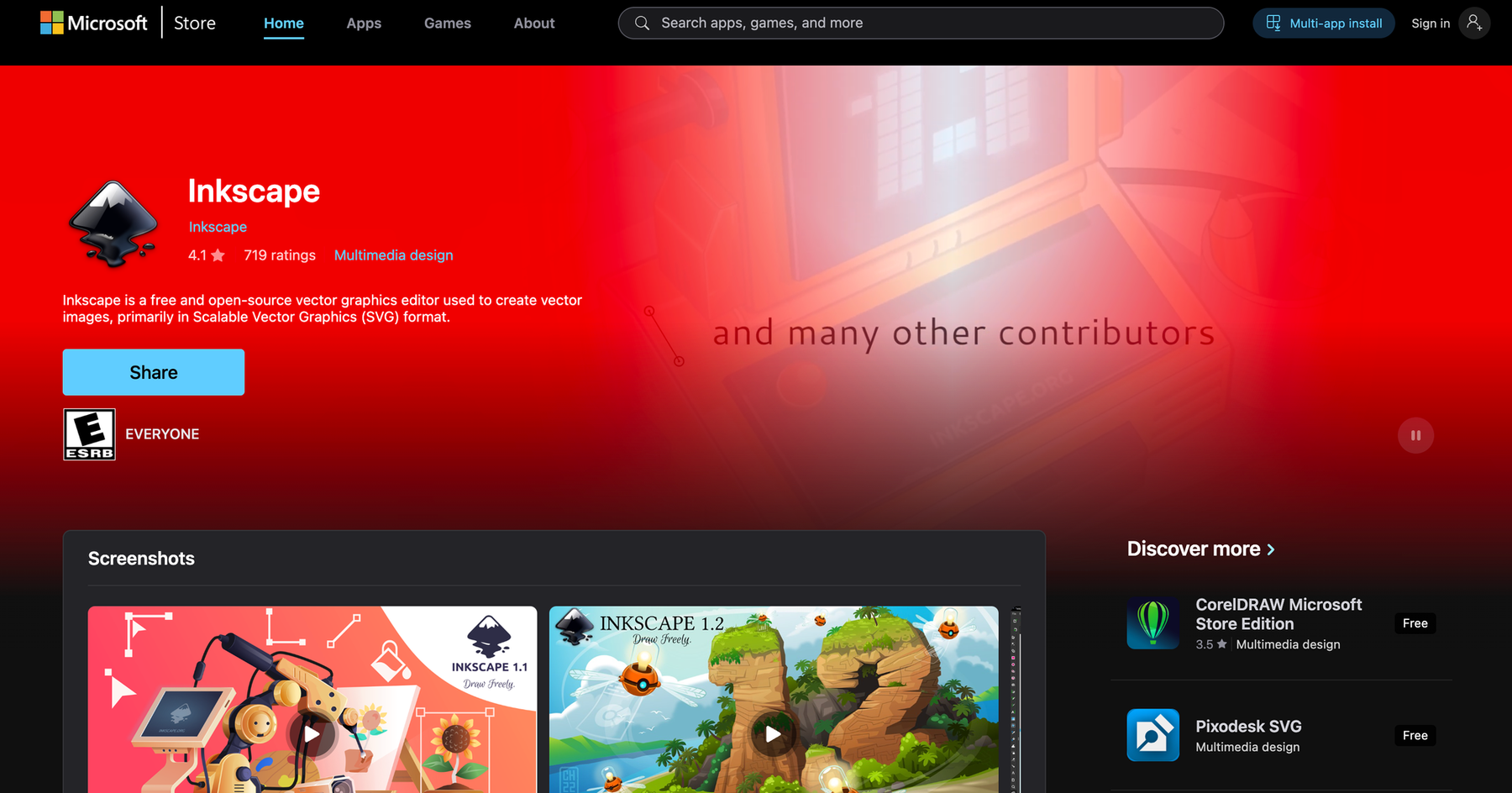
Inkscape is completely free and always will be. It's open-source, which means it's built by people who believe software shouldn't cost hundreds of dollars annually.
Works on Windows, Mac, and Linux. It's probably the most feature-complete alternative to Illustrator you'll find without paying a cent.
Best for: Email marketers who need serious vector editing power and don't mind a learning curve.
The interface looks a bit dated compared to sleek modern tools, but it gets the job done. Full SVG support since that's its native format. Export to PNG or JPEG for email clients. Path editing for when you need custom icons.
Here's a useful feature most people miss: text-to-path conversion. This prevents those annoying font rendering issues where your email looks different in Gmail versus Outlook. Convert your text to paths, and it displays identically everywhere.
Real example: A small SaaS company used Inkscape to build their entire email icon library in one weekend. Fifty-plus icons. It would've cost them at least $500 if they hired a designer. Instead? They're free, and they own all the source files.
You can create custom iconography for your templates. Design logos that scale to any size without getting blurry. Build infographic elements for those data-driven campaign emails.
The main downside is the learning curve. It's not simple drag-and-drop like some web tools. But if you have any design experience, you'll figure it out. There are tons of YouTube tutorials.
2. Canva: The Email Marketer's Swiss Army Knife
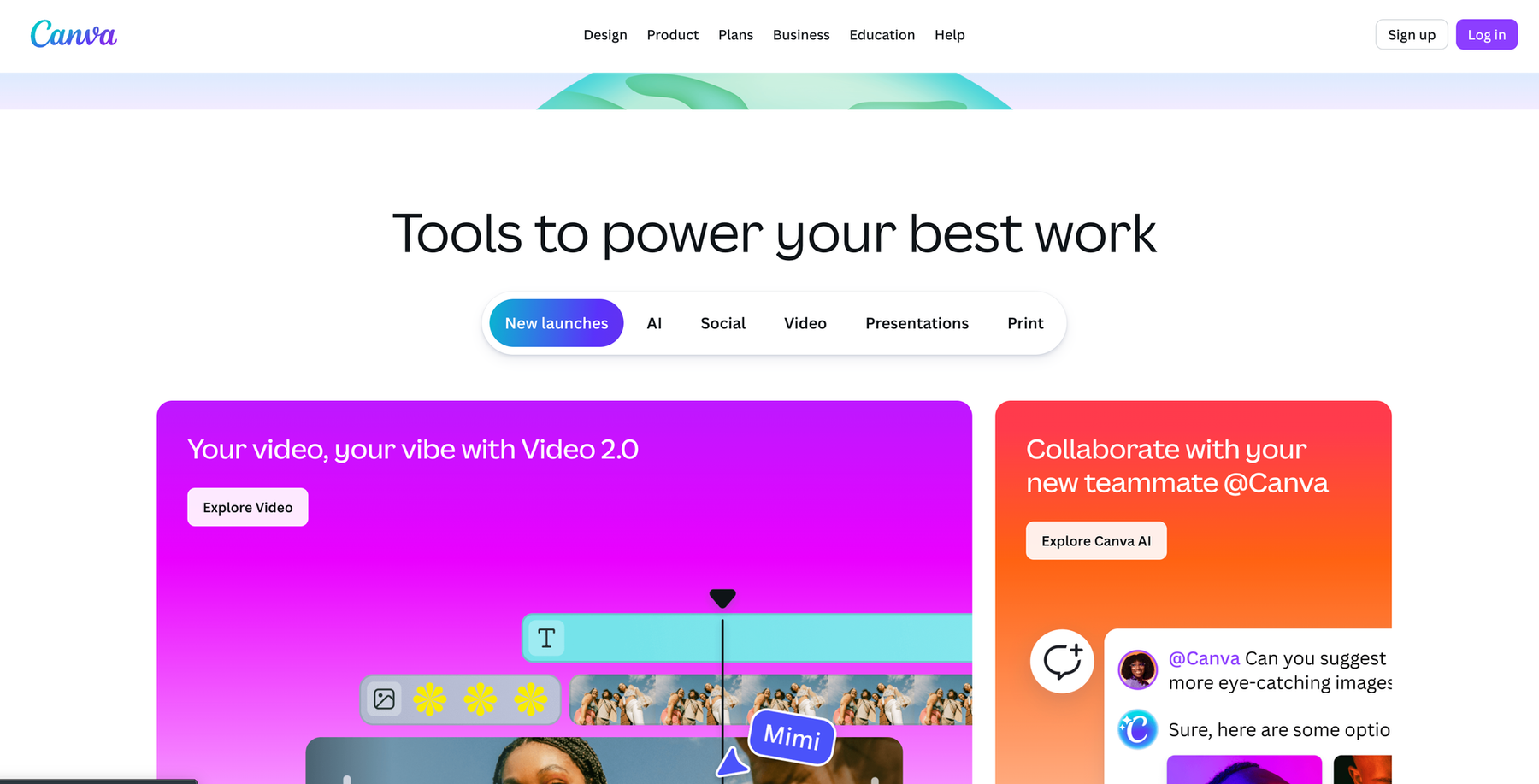
Canva has a free tier that honestly does way more than most people need. Yes, there's a Pro version for $12.99/month, but you can accomplish a lot without upgrading.
Browser-based, so no downloads. There are mobile apps, too, if you need to make quick edits on your phone.
Best for: Anyone who needs professional-looking graphics fast without design skills.
Over a thousand email header templates. Just search "email header," and you'll find options for every industry. Brand kit functionality even on the free tier (you get one brand kit with your colors and fonts). The background remover tool is available, but you only receive a limited number of free uses. Use animation tools if you want to create GIFs for your emails.
The templates are sized for email already. Standard 600px width. You're not guessing at dimensions.
Real example: An e-commerce brand creates all their Black Friday email graphics in Canva. They create fifteen different promotional banners in less than two hours. They duplicate last year's designs, replace the text and images, export the files, and then they are finished.
Holiday campaign graphics take minutes instead of hours. Social proof badges with your "As Seen In" logos? Five-minute job. Email course graphics where each lesson needs a consistent header? Template it once, duplicate it forever.
The collaboration features are actually useful. Share a design link, get feedback, and make edits while your manager watches. No emailing files back and forth.
Limitations: The free tier caps downloads on some premium elements (about 10 per month). It offers less precise control compared to true vector editors. "Proprietary format" means you can only export, not import, complex Illustrator files.
However, when it comes to speed and ease of use, nothing beats it.
3. Vectr: Real-Time Collaboration for Email Teams
Vectr is completely free. Not freemium with paid tiers. Just free.
Web-based with a desktop version if you prefer. Built for collaboration, which is huge if you work remotely.
Best for: Teams that need to work on designs together and get quick approvals.
Live collaboration means you share a link and edit simultaneously. It functions like Google Docs, but specifically for vector graphics. Simple SVG export. Layer management so you stay organized. URL sharing for instant stakeholder reviews.
Real example: A remote marketing team was spending three days on design approval cycles. Email back and forth, version confusion, "Can you make the button slightly bigger?" requests that required another round of files. They switched to Vectr and cut approval time to three hours. The designer works, shares the link, the team comments directly on the design, and changes happen live.
No more files named "email_header_v3_FINAL_actualfinal_THISONE.svg" cluttering your desktop.
The point is simplicity. It doesn't have as many advanced features as Inkscape. Smaller template library than Canva. But if your main pain point is getting approvals fast and keeping your team aligned? This solves that problem.
4. Gravit Designer: Cloud-Powered Email Asset Creation

Gravit Designer has a free tier. Pro is $49/year if you need more, but the free version handles most email needs.
Cloud-based with offline capability. Strong focus on UI/UX design, which translates perfectly to email template work.
Best for: People building complete email template systems from scratch.
Multi-page documents let you create variations in one file. Symbol libraries for reusable components. Responsive design tools. Export presets for common email dimensions. Cloud storage for all your assets.
Real example: A B2B SaaS company built their entire email design system in Gravit Designer. Twelve template variations. Fifty-plus icons. Consistent brand elements. Everything is organized in cloud libraries. Now when they launch a new campaign, they just duplicate a template and swap in new content.
The Pages feature is clutch. Create your welcome email on page one, your product announcement template on page two, and your newsletter layout on page three. All in one file.
Symbol overrides are powerful. Design a button once as a symbol. Use it across twenty templates. Need to change the button style? Update the symbol once, and it updates everywhere.
Limitations: Free tier includes Gravit branding on exports, but it's usually in a corner you can crop out for emails. Three cloud document limits. Some advanced features require Pro.
5. Figma: The Modern Team Collaboration Standard
Figma is free for individuals with unlimited personal files. It's browser-based and has become the industry standard for UI/UX teams.
Best for: Email marketers who already use Figma for other design work, or who need tight collaboration with developers.
Component system lets you build reusable email blocks. Auto-layout for responsive sections. Version history so you can restore previous designs. Developer handoff features with CSS export.
Real example: An e-commerce brand maintains fifty-plus seasonal email templates in Figma. Holiday templates, sale templates, new product announcements. Any team member can duplicate a template and customize it. Brand consistency is automatic because they're all pulling from the same component library.
Comments and feedback happen directly on the design. No screenshots with arrows drawn in. Inspection mode shows developers exact measurements, spacing, and colors for coding HTML emails.
The free tier is genuinely unlimited for individual use. No catch.
Limitations: More focused on UI design than pure illustration. Export options aren't as extensive as dedicated vector tools. Needs internet for full functionality.
Go to figma.com.
6. Krita: The Illustration-Focused Free Option
Krita is free and open-source. It's primarily a painting program with powerful brush engines and illustration tools.
Works on Windows, Mac, and Linux.
Best for: Email marketers who need custom illustrations and hand-drawn aesthetics.
Custom brush creation for unique art styles. Layer management for complex compositions. Vector tools are included, though it's more raster-focused. Animation timeline for creating email GIFs. PSD compatibility if you work with designer files.
Real example: A subscription box company illustrates their monthly theme announcement emails in Krita. Hand-drawn style. Completely unique. Sets them apart from competitors using stock photos.
If your brand is illustration-heavy, this is your tool. Creating narrative-driven email content? Custom mascots for campaigns? Welcome sequence headers with unique artwork? Krita handles it.
The main limitation: primarily raster-based, so not ideal for logos that need to scale infinitely. Steeper learning curve if you're not already an illustrator.
Choosing the Right Tool for Your Workflow
Here's how to decide:
Go with Canva if speed is everything and you need templates to start fast. Non-designers creating graphics. Zero budget but you need professional results immediately.
Go with Figma if you're building comprehensive template systems. Developers code your custom templates. Team collaboration is critical.
Go with Inkscape if you need true vector power. Custom iconography is a priority. You have design experience and want perpetual free access to advanced features.
Go with Vectr if real-time collaboration is your bottleneck. Simplicity beats feature complexity. Quick approvals are slowing you down.
Go with Gravit Designer if you're building reusable component libraries. Cloud storage matters. You want Illustrator-like features without paying for Illustrator.
Go with Krita if illustration defines your brand. Hand-drawn aesthetics match your audience. You're comfortable with artist-focused tools.
Many teams use multiple tools. Figma for template systems, Canva for quick campaign graphics, and Inkscape for custom icon work. Free tools mean you can experiment without financial risk.
What Actually Impacts Email Performance
Here's the reality: beautiful graphics mean nothing if your emails hit spam folders.
Template aesthetics don't fix poor list hygiene. Custom illustrations can't save terrible subject lines. Design polish is the last priority, not the first.
The email marketing priorities are as follows: reliable infrastructure for deliverability first, list quality second, content strategy third, and visual design fourth.
Smart budget allocation means not spending $264 annually on Illustrator when free alternatives work fine. Instead, invest that money in proper email infrastructure that ensures delivery.
Switching from Adobe Creative Cloud to Canva saves $264 per year. Redirect that budget to email verification, authentication setup, or infrastructure reliability.
Where you should actually spend money: deliverability monitoring, quality email infrastructure (Maileroo provides reliable SMTP relay and APIs at a fraction of enterprise ESP costs), list cleaning, A/B testing platforms, and analytics.
Just like you don't need Adobe's premium pricing for email graphics, you don't need SendGrid's enterprise costs for reliable email delivery. Smart marketers optimize the entire stack. Free design tools plus cost-effective infrastructure equals maximum ROI.
The Bottom Line
Adobe Illustrator costs $264 per year for features most email marketers never touch.
These six free alternatives handle 90% of email design needs without subscriptions: Canva for the fastest start, Inkscape or Figma for the most power, Vectr or Figma for the best collaboration, Krita for illustration, and Gravit Designer or Figma for building systems.
Email marketing success depends on smart resource allocation. Save money on unnecessarily expensive tools—both design software and email infrastructure. Invest those savings in what actually moves metrics: deliverability, testing, and strategy.