
The Email Preheader: The Most Underused Real Estate in Your Campaigns
That one overlooked line of text — the snippet that appears next to your subject line in the inbox — is quietly costing you opens every single time you send. Here's everything you need to know about writing preheaders that actually get your emails opened.
Most email marketers get the big stuff right. They nail the subject line. They obsess over the sender name. They run A/B tests on button colours.
Then they completely ignore the preheader.
That one overlooked line of text — the snippet that appears next to your subject line in the inbox — is quietly costing you opens every single time you send. Not because your emails are bad. Because subscribers make up their minds in two seconds, and the preheader is part of that decision whether you use it intentionally or not.
The good news? Most of your competitors are ignoring it too. Which means if you start treating it seriously, you've got an easy edge — starting with your very next send.
Here's everything you need to know about writing preheaders that actually get your emails opened.
So, What Exactly Is a Preheader?
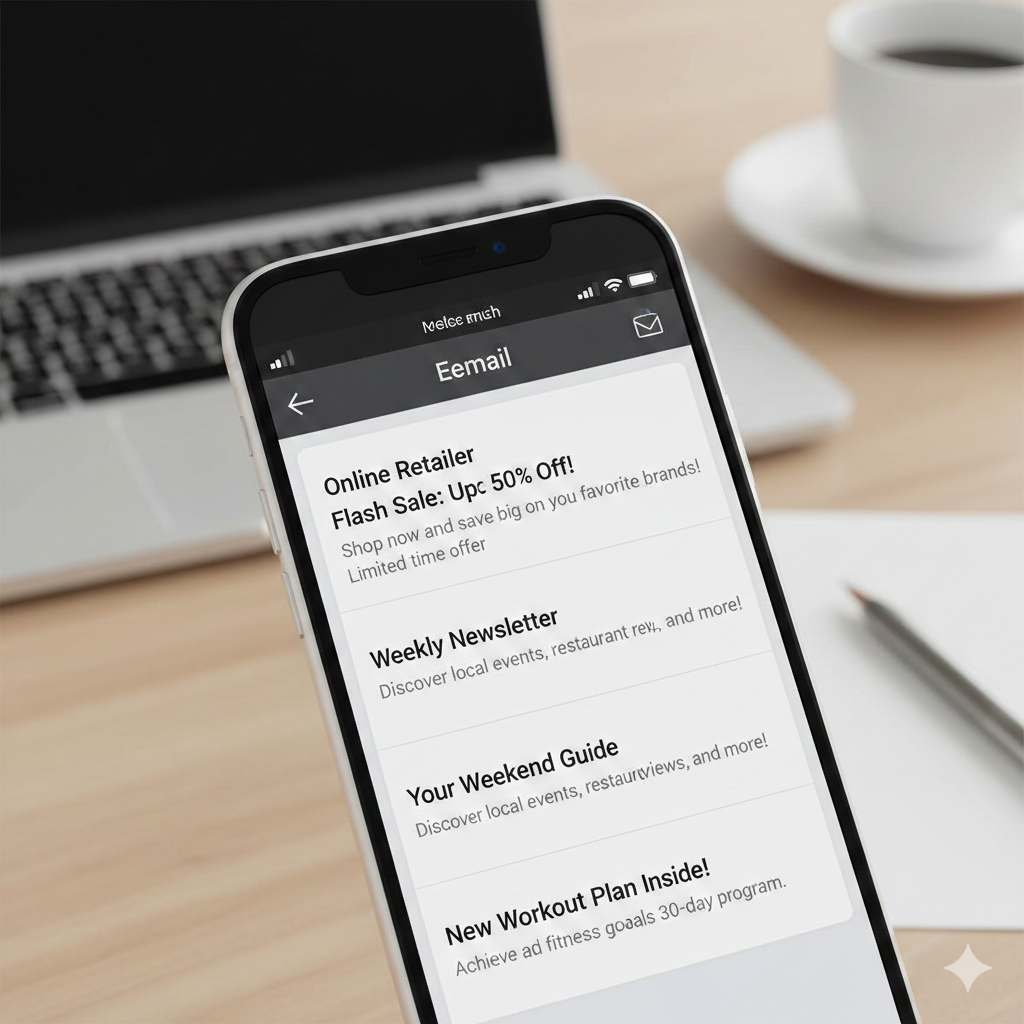
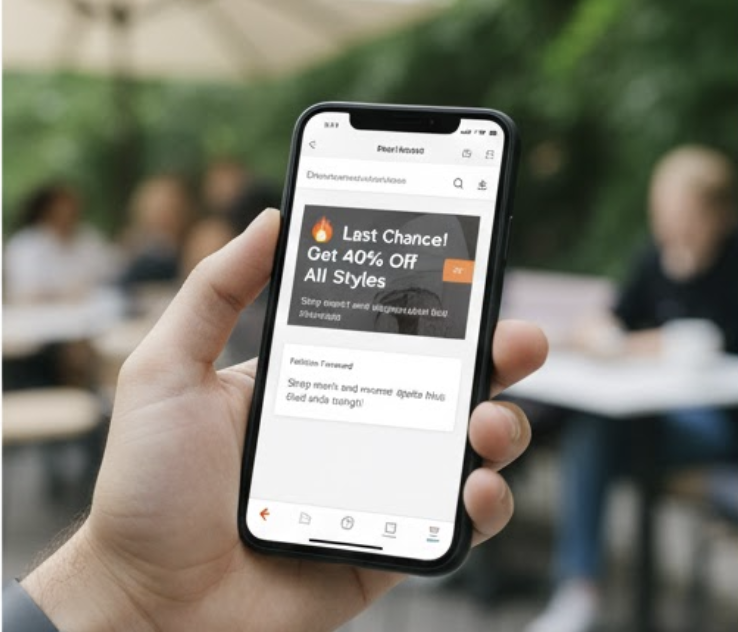
The preheader, which is also called preview text or snippet text, is the short line of text that email clients show next to your subject line before the email is opened.
It's possible that it's even more noticeable on mobile than the subject line itself. On desktop email clients like Gmail and Outlook, it shows up in a slightly lighter colour right after the subject line, which gives the reader another reason to open it.
If you don't set preheader text in the HTML of your email on purpose, the email client will just take the first text it finds in the body of the email. That could be the alt text for your header banner. It could be the link to unsubscribe. It could be a menu for navigation. It is almost never the interesting, relevant teaser that you want your subscribers to see.
The good news is You are in charge of this. And most of your competitors aren't using it correctly, which means there is a real chance here.
Why It Actually Matters
Here's a stat worth paying attention to: a split test by Rejoiner tracked a 7.96% lift in open rates just from improving preheader copy — measured at over 95% statistical confidence. That's a meaningful jump from one small change.
Yet most senders still ignore it. MailerLite found that over 90% of campaigns sent through their platform don't use a custom preheader at all. GetResponse data tells a similar story — only 37.53% of campaigns include one. So the majority of emails hitting inboxes every day are either pulling random text from the email body or showing nothing useful whatsoever.
Think about it from your subscriber's side for a second.
They're moving fast through their inbox. They see three things: your sender name, your subject line, and your preheader. That's the entire pitch. If one of those is doing nothing — or actively working against you — you've already made the job harder before anyone even clicks.
The Mistakes Everyone Makes
Before we get into how to use preheaders well, it helps to understand what most people do wrong.
Repeating the subject line. This is the most common one. If your subject line says "Your May sale starts now" and your preheader says "Our May sale is live," you've wasted both. The reader already read the subject line. Saying it again with slightly different words adds zero new information and zero reason to open.
Leaving it blank. Email clients don't leave a vacuum. They'll pull text from the top of your email or whatever comes first. If that's navigation links, footer text, or an HTML comment from your developer, that's what your subscribers see. It looks sloppy and it undermines whatever work you did on the subject line.
Functional filler. "View this email in your browser." "You're receiving this because you signed up." "If images aren't loading, click here." All technically useful, but completely useless as inbox real estate. If that's sitting next to your subject line, it's actively making your email look less worth opening.
Going too long. Different email clients and devices cut preheader text at different lengths. Gmail on desktop might show around 100 characters. Mobile clients often cut it off at 40–50 characters. If your most important words are at the end, they'll get chopped on the very devices your subscribers are most likely using. Front-load the value.
What Good Preheader Writing Actually Looks Like
The preheader isn't just there to fill space. It's a second headline. Think of your subject line and preheader as a two-part message that works together to give the reader enough context and curiosity to click open.
Extend the story, don't repeat it. If your subject line teases, let the preheader explain. If your subject line explains, let the preheader tease. They should play off each other.
Subject: Your order shipped faster than expected Preheader: It'll be on your doorstep by Thursday. No, really.
Subject: We need to talk about your inbox Preheader: Most people ignore this one thing and pay for it every time they send.
The preheader completes the thought. It gives the subject line somewhere to go.
Answer the "so what." A lot of subject lines are clever or intriguing but don't communicate value clearly. The preheader is where you can add that.
Subject: Big news from us Preheader: We just dropped our pricing. Here's what changed.
Now there's a reason to open.
Use it to personalise. If you're segmenting your list or have personalisation tokens available, the preheader is a great place to use them. Adding a first name or a reference to something specific about the recipient (their recent purchase, their location, their account status) makes the email feel less like a broadcast and more like a message.
Create urgency or specificity. Vague preheaders don't drive action. Specific ones do.
Vague: This offer won't last long Specific: Ends midnight Sunday. 3 days left.
The second one gives the reader information they can act on. The first one they've seen a hundred times before.
Try a question. Questions create cognitive engagement. The brain wants to answer them, which pulls people into the email.
Subject: Most email campaigns fail at this stage Preheader: Are yours?
It's simple, but it works. The question makes the email feel directed at you personally.
The Technical Side You Need to Know
You add preheader text using hidden HTML at the top of your email's <body> tag. The most reliable method involves a hidden span element with specific styling to make it invisible in the email body while still being picked up by the email client's preview:
<span style="display:none; font-size:1px; color:#ffffff; max-height:0; overflow:hidden; opacity:0;">
Your preheader text goes here
</span>
Some email builders — including CampaignLark's drag-and-drop editor — let you add preheader text through a dedicated field without needing to touch the HTML at all. If you're building emails in a tool that doesn't surface this as its own setting, that's worth factoring in, because manually adding the HTML every time is a friction point that leads to people skipping it.
One technique worth knowing: after your actual preheader text, add a string of invisible filler characters (like non-breaking spaces and zero-width non-joiners) to push down any unwanted text that the email client might grab from your body. This prevents the situation where your preheader shows correctly in some clients but then bleeds into body copy in others.
For character length, aim for around 85–100 characters. That's enough to work well on most desktop clients and gives you a buffer before mobile truncation kicks in. Put your most important words in the first 40–50 characters so mobile users still get the core message even if the rest is cut off.
Testing Your Preheaders
Like anything in email marketing, you should be testing your preheaders rather than assuming what works.
The simplest approach is A/B testing two versions of the same email — identical in every way except the preheader. Most email platforms support this natively. Run it on a meaningful portion of your list (at least a few thousand sends if you want statistically reliable results) before picking a winner.
Some things worth testing:
A question versus a statement. Urgency versus curiosity. Short versus slightly longer. Personalised versus generic. Funny versus direct.
Keep records of what works. You'll start to see patterns over time that are specific to your audience. What drives opens for a B2B SaaS list is different from what works for an e-commerce brand. Your own data will tell you more than any industry benchmark.
Also, actually preview your emails before you send them. Most email testing tools — including Litmus and Email on Acid — let you see how your preheader renders across dozens of email clients and devices. What looks fine in Gmail on desktop might be truncated to meaninglessness on an iPhone. Check it before it goes out to your entire list.
How It Fits Into Your Deliverability Picture
There's one more angle on preheaders that doesn't get talked about enough: deliverability.
Engagement signals matter to email providers. When subscribers open your emails, click through, and interact with your content, it signals to Gmail, Outlook, and others that you're sending wanted mail. This feeds into your sender reputation and affects whether your emails land in the inbox or the promotions tab (or somewhere worse).
A better preheader leads to better open rates. Better open rates contribute to better engagement signals. Better engagement signals protect your deliverability.
It's not the whole picture, obviously. You still need solid authentication (SPF, DKIM, DMARC), a clean list, and a reliable sending infrastructure. But preheader optimisation is one of those improvements where the effort is minimal and the benefits compound. More opens today mean better inbox placement tomorrow.
This is the kind of thinking that separates email marketers who treat deliverability as a technical checkbox from those who understand it as an ongoing, interconnected system. Every subscriber who opens your email because of a better preheader is working in your favour at the infrastructure level.
The Bottom Line
Your subject line gets all the credit. Your preheader does some of the same work and gets almost none.
Over 90% of campaigns aren't using a custom preheader. That means when you do, and when you do it well,you're standing out from the noise before your subscriber has even made a decision. That's a rare advantage in email marketing.
The formula is simple: stop treating the preheader as an afterthought, use it to extend or complement your subject line, front-load the value, and test what works for your audience. It's one of the fastest wins available to you in any campaign.
The inbox is competitive. Use every pixel you've got.