

Top 10 Email Marketing Plugins for WordPress in 2026
WordPress doesn't have email marketing built in. You need to install a plugin for that. And with so many choices, it can be hard to know which one to choose. This guide lists the ten best email marketing plugins for WordPress that are available right now.

If you have a WordPress site and don't use email marketing, it's like having a store and never following up with customers who come in.
You're squandering potential revenue.
But here's the thing: WordPress doesn't have email marketing built in. You need to install a plugin for that. And with so many choices, it can be hard to know which one to choose.
This guide lists the ten best email marketing plugins for WordPress that are available right now. We'll talk about what each one does well, what it doesn't do well, and who should really use it.
Why You Need an Email Marketing Plugin
Before we talk about the plugins themselves, let's make sure we know what these tools do.
A good email marketing plugin lets you get email addresses from your WordPress site, make a list of subscribers, and send them emails.
Some plugins also let you split up your audience, track how well your emails do, and set up automated email sequences.
The reason you need one is simple: email works better than almost any other way to market. If someone gives you their email address, they want to hear from you. That's strong.
What Makes a Good WordPress Email Marketing Plugin
Not all plugins are the same. There are a few things that all the good ones have in common.
First, it's simple to set them up. You shouldn't require a developer to initiate email collection. Second, they work well with WordPress and don't make your site slower. Third, they give you the features you really need, not just a long list of things you'll never use.
The price is important too. Some plugins charge you based on how many people subscribe, while others charge you a flat fee every month. Before you agree to anything, you need to know what you're getting into.
1. Mailchimp for WordPress
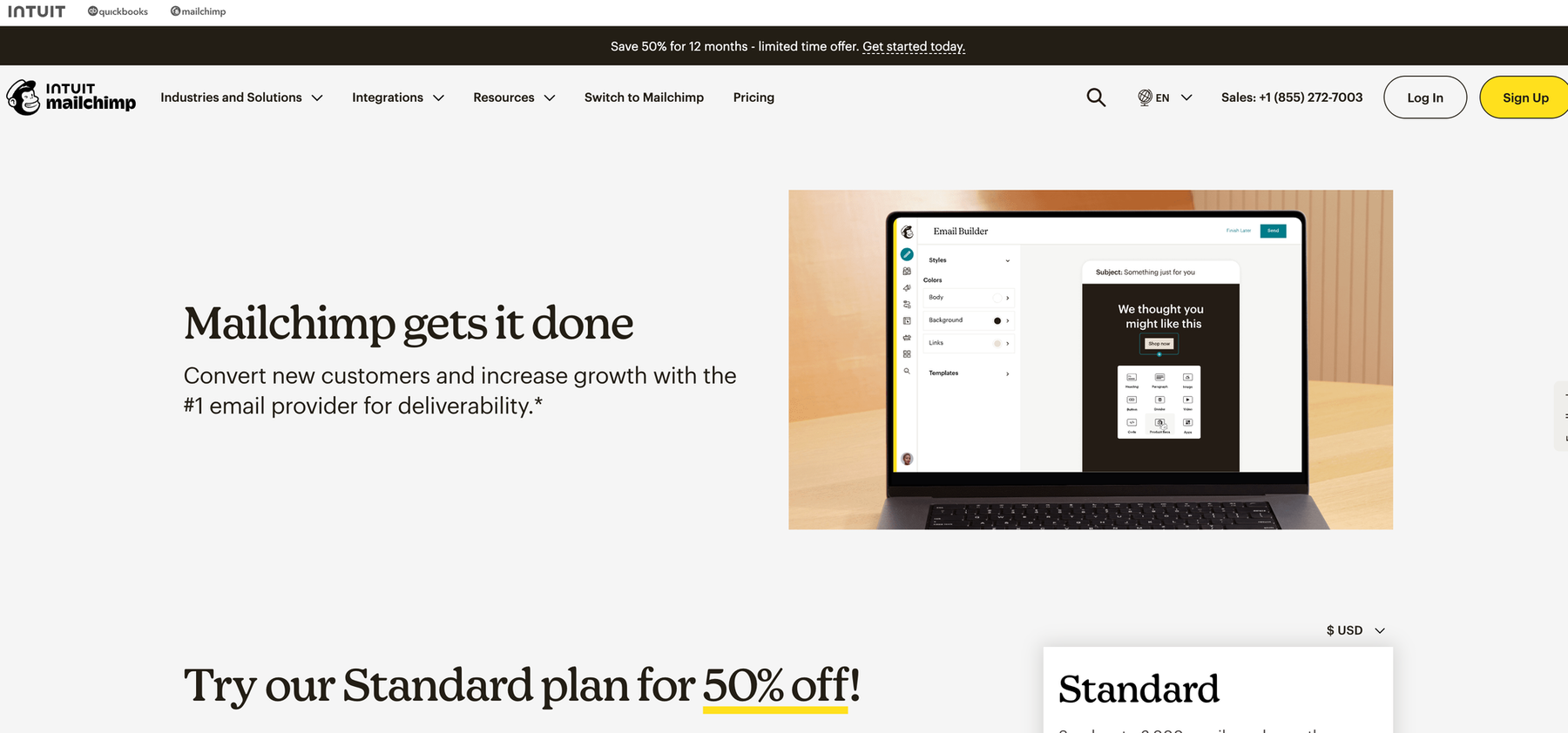
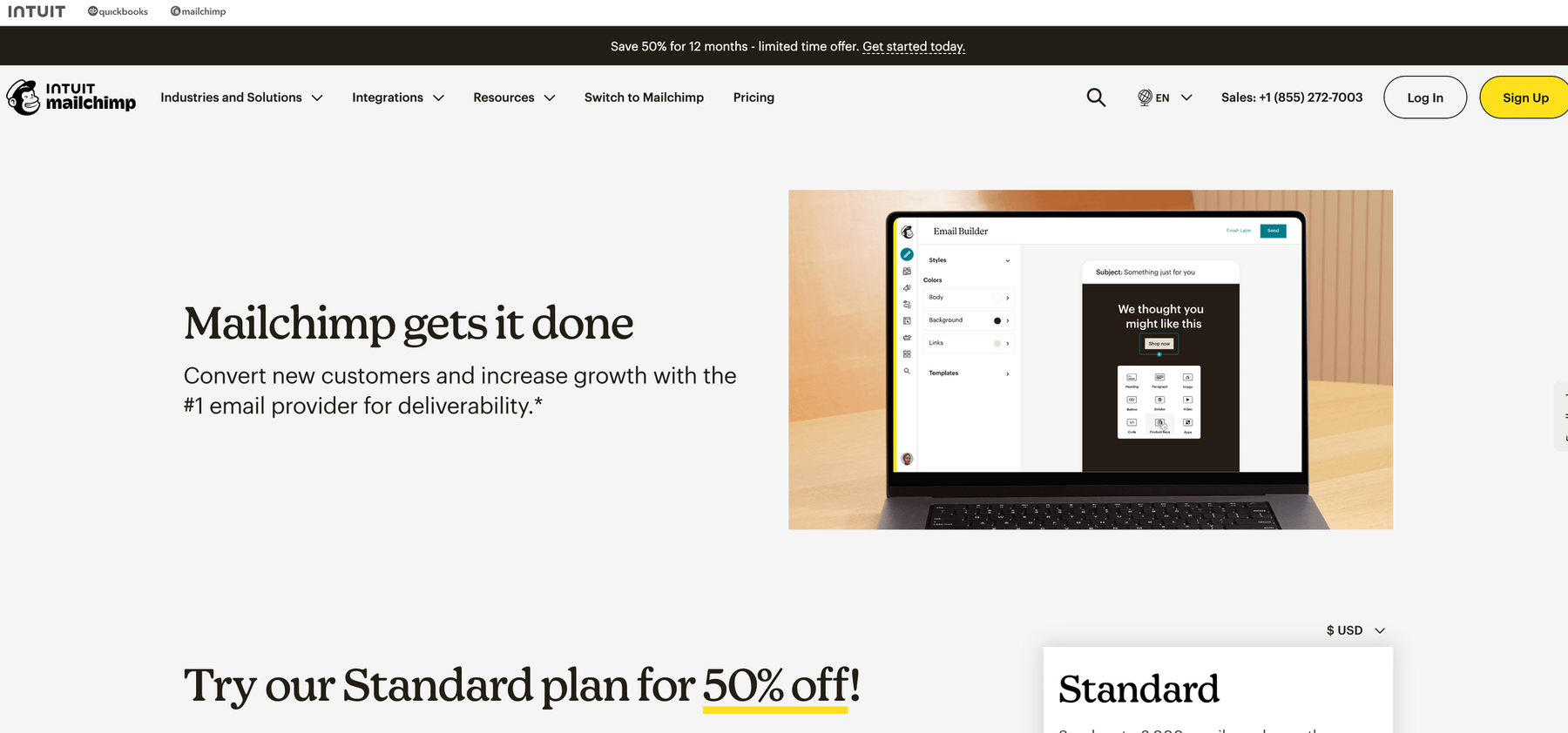
Mailchimp is probably the most well-known name in email marketing. Their WordPress plugin makes it very easy to link your site to your Mailchimp account.
You can use shortcodes, widgets, or Gutenberg blocks to add signup forms anywhere on your site with this plugin. You can change the forms to fit your brand, and all the information about your subscribers goes straight into your Mailchimp lists.
The best part? With Mailchimp's free plan, you can have up to 500 subscribers and send 1,000 emails a month. That's enough for most people who are just starting out.
The bad thing is that Mailchimp gets more expensive rapidly after you reach the free tier. Mailchimp's deliverability may not always be the best in the business, which further limits your options.
Best for: Beginners who want a recognizable brand name and don't mind paying more as they grow.
2. Newsletter
Newsletter is a WordPress plugin that has been around for a long time. Newsletter doesn't need to connect to any outside services; it runs completely on your WordPress site.
This means that you are the only one who owns your data. Your WordPress database, not someone else's server, stores your subscriber list. You also don't have to pay for a subscription every month because Newsletter lets you pay once.
The plugin comes with a simple email builder that lets you drag and drop, automatic welcome emails, and basic segmentation. You can send emails straight from your WordPress site, or you can connect it to SMTP services to make sure they get delivered.
What's the catch? If you don't know what you're doing, sending emails from your own server can make them less likely to get through. Your hosting company might also limit how many emails you can send in an hour.
Best for: People who want complete control over their data and don't mind handling technical email setup.
3. OptinMonster
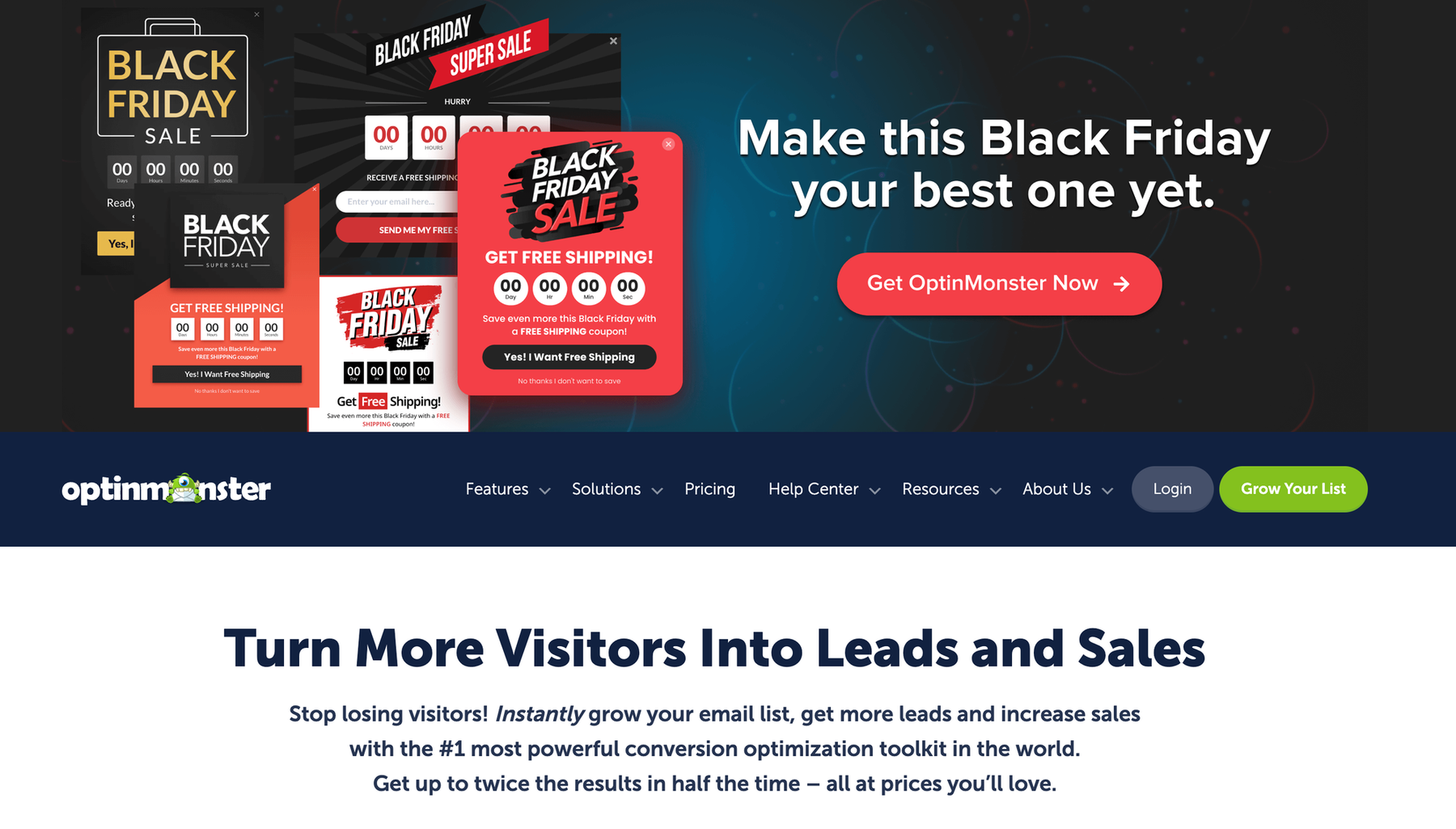
OptinMonster isn't really a full email marketing platform. It makes signup forms and popups that get many people to sign up.
But it does an impressive job of getting email addresses, so it belongs on this list.
OptinMonster creates "behavioural" popups that show up based on what people do on your site. When someone is about to leave, exit-intent popups show up. Forms that appear when you scroll down a certain percentage of the page are called scroll-triggered forms. Timed popups appear after a visitor has been on your site for a certain amount of time.
The plugin works with almost all of the most popular email marketing services, such as Maileroo, Mailchimp, ConvertKit, and many more.
The bad thing is the cost. You have to pay for your email marketing platform in addition to the $9 per month that OptinMonster costs.
Best for: Sites that get decent traffic but struggle to convert visitors into subscribers.
4. WPForms

WPForms is mostly a way to make forms, but it's also one of the most popular ways to get email addresses on WordPress.
You can make contact forms, survey forms, order forms, and even email signup forms with the plugin. Even if you've never made a form before, the drag-and-drop interface makes it very easy.
WPForms is great for email marketing because it can connect with other tools. It works with Mailchimp, AWeber, Drip, and Maileroo through built-in integrations. When someone fills out a form, the information is sent to your email marketing platform right away.
WPForms also has features like conditional logic (which shows or hides form fields based on previous answers) and protection against spam.
The free version has basic contact forms, but you need to pay for the paid version (which starts at $49.50 per year) to get email marketing integrations.
Best for: Sites that need flexible forms for multiple purposes beyond just email collection.
5. MailPoet

MailPoet is another WordPress-native tool that lets you make, send, and keep track of emails all from your WordPress dashboard.
The plugin comes with a visual email builder that lets you change the templates. You can send automated welcome emails, newsletters, and even email sequences that start based on what your subscribers do.
MailPoet also works with WooCommerce, which is useful if you have an online store. You can send emails to customers who have left their carts, confirm their purchases, and set up sequences after they buy something.
The free plan is suitable for up to 1,000 people. Thereafter, the price goes up to $15 a month for up to 5,000 subscribers.
One downside is that MailPoet uses its own sending service, so you have to rely on their infrastructure to get your emails delivered. Some users say that their emails go to spam folders more often than they would like.
Best for: WooCommerce store owners who want to be able to send emails from WordPress.
6. Constant Contact

Constant Contact has been around since the 1990s, making it one of the oldest email marketing services still in use. Their WordPress plugin links your site to their platform.
The plugin lets you create a standard signup form and lets you change it in different ways. When someone signs up through your WordPress site, they are added to your Constant Contact lists. You can then use Constant Contact's interface to send them emails.
The best thing about Constant Contact is how easy it is to use. The platform is made for people who don't know much about technology. Constant Contact might work for you if most email marketing tools are hard to understand.
The bad news? It costs more than similar services, starting at $12 per month for up to 500 subscribers. Some users also think the platform looks old compared to newer ones.
Best for: Non-technical users who prioritize ease of use over advanced features.
7. SendinBlue (Now Brevo)
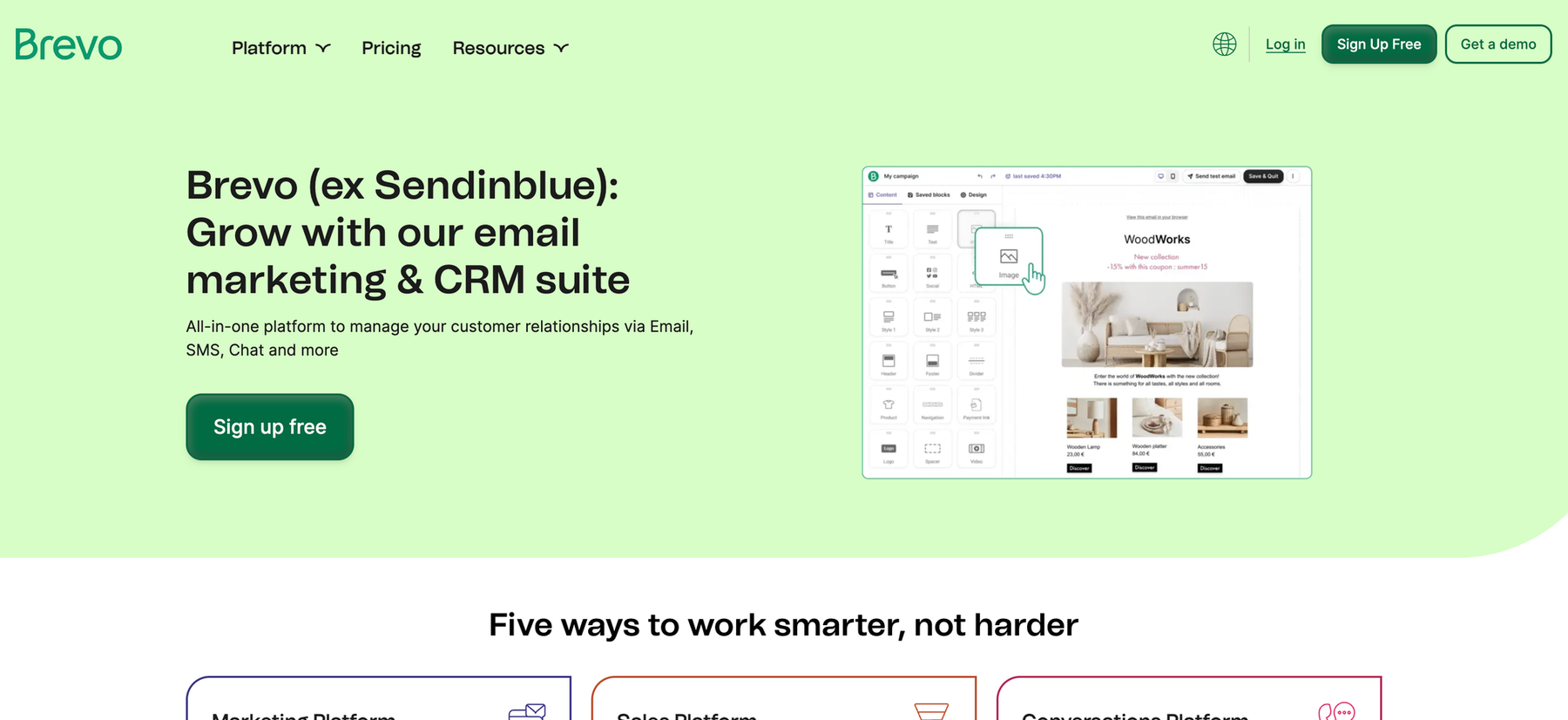
SendinBlue recently rebranded to Brevo, but many people still know it by its old name. Their WordPress plugin links your website to the Brevo platform.
Brevo is interesting because it lets you do both email and SMS marketing from the same place. That's useful if you want to reach subscribers through more than one channel.
The plugin has tools for making forms, popups, and working with WooCommerce. Brevo lets you automate emails, send transactional emails, and get a lot of free emails (up to 300 per day).
Brevo's delivery is good, and their prices are lower than those of many of their competitors once you start to grow. The interface can be a little messy, though, especially if you only want to use email and not SMS.
Best for: Businesses that want multi-channel marketing (email and SMS) without paying for multiple tools.
8. ConvertKit

ConvertKit built its reputation serving professional bloggers, course creators, and content creators. Their WordPress plugin shows that they are focused on that.
You can use the plugin to add signup forms, make landing pages, and add content upgrades (lead magnets that show up in blog posts). By default, the forms are clean and simple, which works well for sites that focus on content.
The best thing about ConvertKit is that it can automate tasks. You can tag subscribers based on their interests, create complex email sequences based on how they behave, and break up your list in powerful ways.
The price is the catch. For up to 300 subscribers, ConvertKit costs $15 a month. There isn't a free plan, but they do offer a 14-day trial.
Best for: Content creators and online course creators who need sophisticated automation.
9. Maileroo
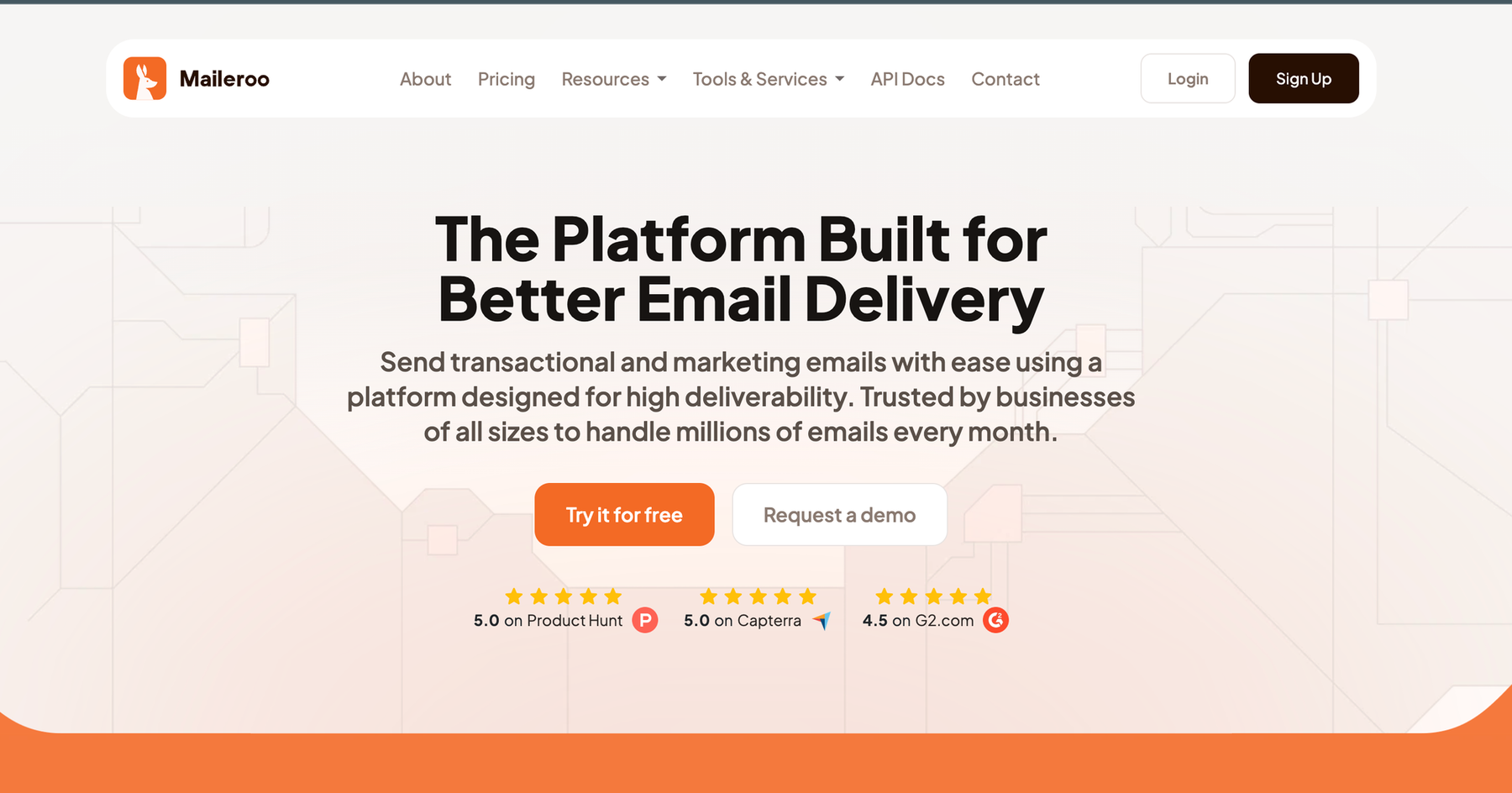
Full disclosure: this is our email delivery platform. But it deserves a spot on this list because of how it handles the technical side of email.
Maileroo isn't a typical email marketing plugin that has form builders and email templates. It's not an SMTP relay service that sends emails for your WordPress site.
Maileroo works with form plugins like WPForms and email marketing tools like Newsletter. Maileroo makes sure that when your site sends an email, it goes to the right inbox and not the spam folder.
The platform is all about deliverability. We take care of email authentication (SPF, DKIM, DMARC), keep in touch with the biggest inbox providers, and keep an eye on sending reputation. You can relax knowing that your emails are really getting through.
Maileroo can send both transactional emails (like order confirmations and password resets) and marketing emails. Pricing is simple and based on how many emails you send, not how many subscribers you have.
Best for: WordPress users who want reliable email delivery and don't want deliverability headaches.
10. HubSpot
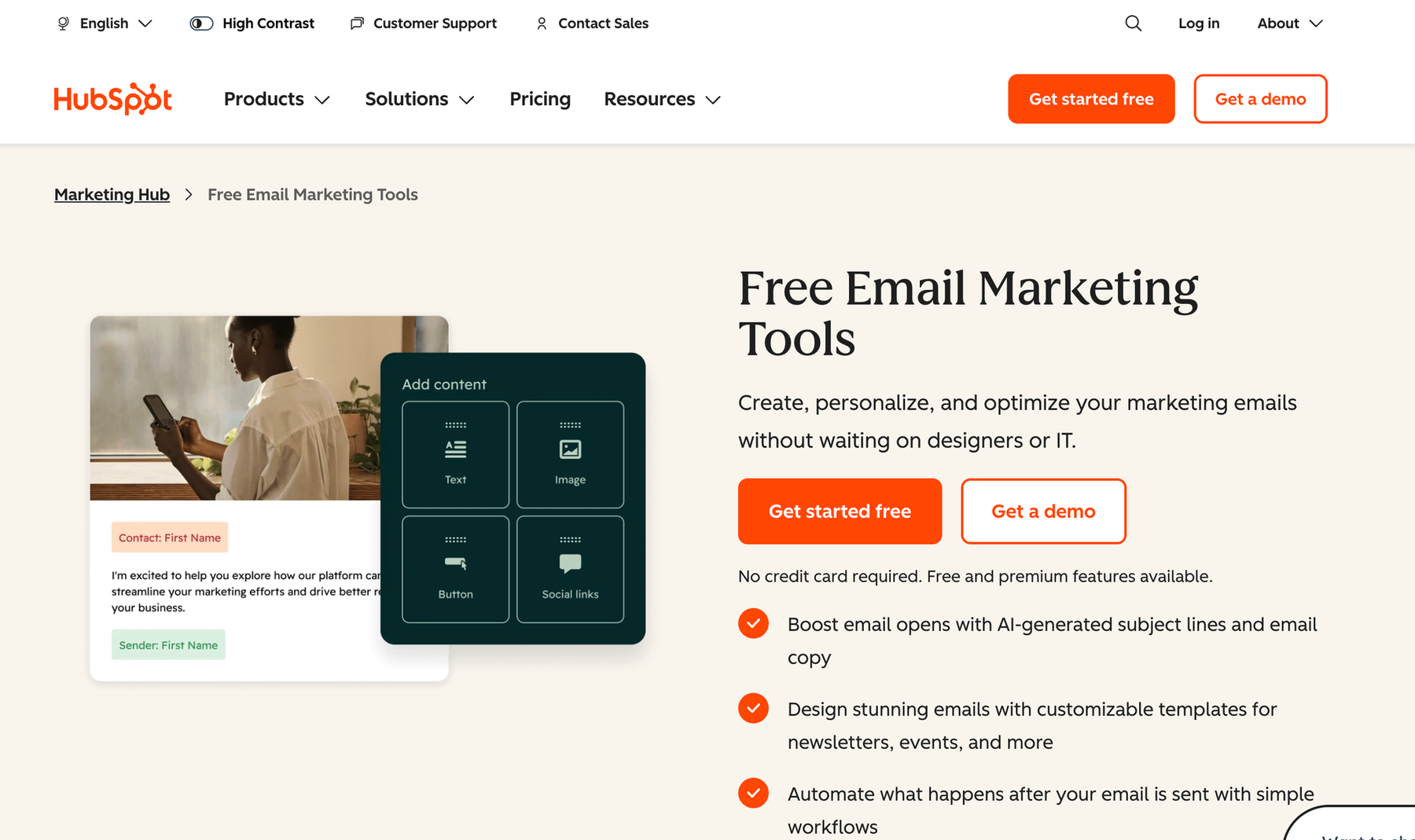
HubSpot is a complete marketing platform that also offers email marketing. Their WordPress plugin links your site to the rest of the HubSpot ecosystem.
HubSpot is too much if all you need is email marketing. HubSpot makes sense if you want all of your email marketing, CRM, live chat, forms, analytics, and ad management in one place.
With the plugin, you can add HubSpot forms to your site, see how visitors act, and use HubSpot's chatbot feature. All of the information goes into HubSpot's CRM on its own.
HubSpot has a free plan that lets you send up to 2,000 emails a month for basic email marketing. The paid plans, on the other hand, get expensive quickly. They start at $15 per month and go up to thousands of dollars per month for business features.
Best for: Growing businesses that need a full marketing platform, not just email.
How to Choose the Right Plugin for Your Site
With ten solid options, how do you actually pick one?
Start by asking yourself what you need right now, not what you might need someday. IIf you are just starting out and want to send a monthly newsletter, you do not need the advanced automation features of ConvertKit. A simple solution like Mailchimp or Maileroo will work fine.
Think about your budget. Some plugins charge based on subscribers, others charge based on email volume, and some charge flat monthly fees. Calculate what you'll actually pay as your list grows.
Consider technical complexity.
Are you comfortable setting up SMTP authentication and managing deliverability? If yes, self-hosted solutions like Newsletter give you more control. If no, managed platforms like Mailchimp or Constant Contact handle the technical stuff for you.
Also, check out the integrations. If you have a WooCommerce store, you need a plugin that works well with WooCommerce. If you use certain tools for landing pages or CRM, make sure your email plugin works with them.
The Bottom Line
Every WordPress site should be getting email addresses from visitors and keeping in touch with them. It doesn't matter which plugin you choose as much as actually using one.
Mailchimp or MailPoet are the easiest options for most people who are just starting out. They're easy to set up and come with everything you need to start making a list.
If you want full control and are more technical, Newsletter lets you do that. Check out ConvertKit if you need a lot of automation. If you really want to make sure your emails get through, use a form plugin with a delivery service like Maileroo.
What is the most important thing? Choose one and start gathering emails. If you outgrow your first choice, you can always switch later.
But you can't get back the time you waste thinking about which plugin to use instead of actually making your list.