 Simple SMTP by Maileroo
Simple SMTP by Maileroo is a WordPress SMTP plugin that allows you to configure and send all outgoing emails via a SMTP server. This will prevent your emails from going into the junk/spam folder of the recipients.
 Why Use It
Struggling to send emails from your WordPress site? You're not alone. With the rise of aggressive spam filtering, it's tough to reach the inbox unless your emails are configured correctly. Once you've switched to Simple SMTP by Maileroo, you can set up your site to send emails using a third-party SMTP server relay such as Maileroo.

Send through the SMTP relay or use the Email API. Pick whichever transport mode fits the way your website sends emails.

Reliable delivery that works with all major services, including Maileroo, Mailgun, SendGrid, Amazon SES, and many more.

The plugin is fully free to use. Quality email delivery shouldn't cost a fortune, and this plugin won't ask for a cent.

Simple and straightforward. It does what it promises, nothing more, nothing less. No ads, no upsells, no premium tiers.

 Quick Setup
Upload, activate, configure, and test. Your WordPress site will be sending through authenticated SMTP in minutes.
 Preview
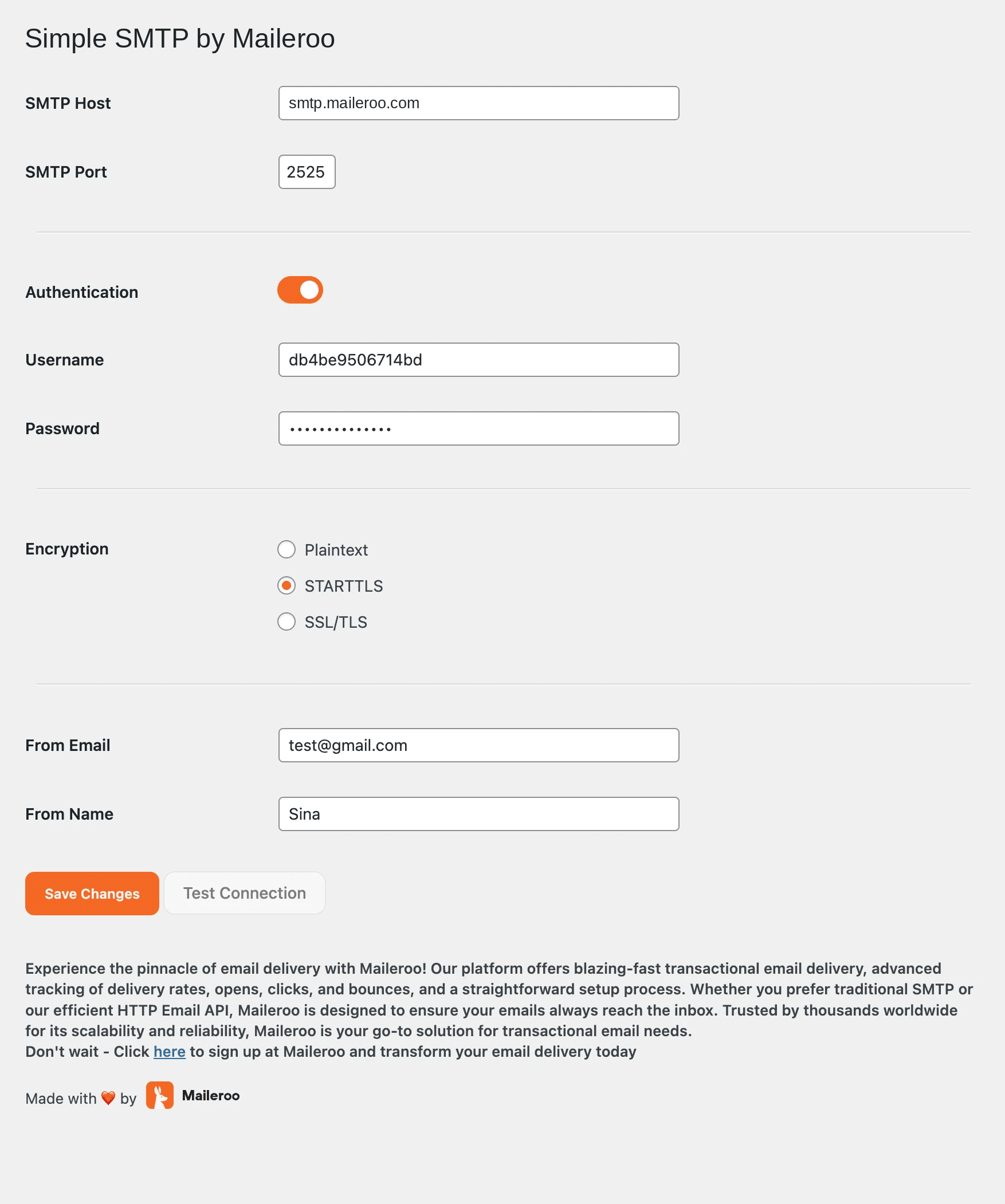
Here's a sneak peek of the Simple SMTP by Maileroo plugin in action.
 Video Tutorial
Here's a video tutorial on how to set up the Simple SMTP by Maileroo plugin on your WordPress site.
Elementor Pro IntegrationThat's not all. With the Maileroo API, you can integrate the Simple SMTP by Maileroo plugin with Elementor Pro. Read the tutorial by FinalWebsites.com to learn more.
 FAQ
FAQHow Simple SMTP sends WordPress mail, whether it works with other hosts, and how it fits Elementor and WooCommerce.
It sends all outgoing WordPress mail through an SMTP server or the Maileroo Email API instead of the default PHP mail function. That includes contact forms, password resets, and WooCommerce notifications.
No. You can point it at any SMTP host. Maileroo is the default option, but the same plugin works with other relays if you already have credentials.
Yes. Simple SMTP by Maileroo is free on WordPress.org with no upsells. Install it, add credentials, and send a test message from the settings screen.
Yes. Once SMTP is configured, WordPress, WooCommerce, and Elementor form emails all go through the same relay. There is a walkthrough for Elementor confirmation emails on this page.



