Email Testing

Test Every Email Before Your Customers See It

Maileroo captures every message in a safe sandbox. Check content, authentication, spam risk and links, then simulate opens, clicks and replies to test complete flows from start to finish.

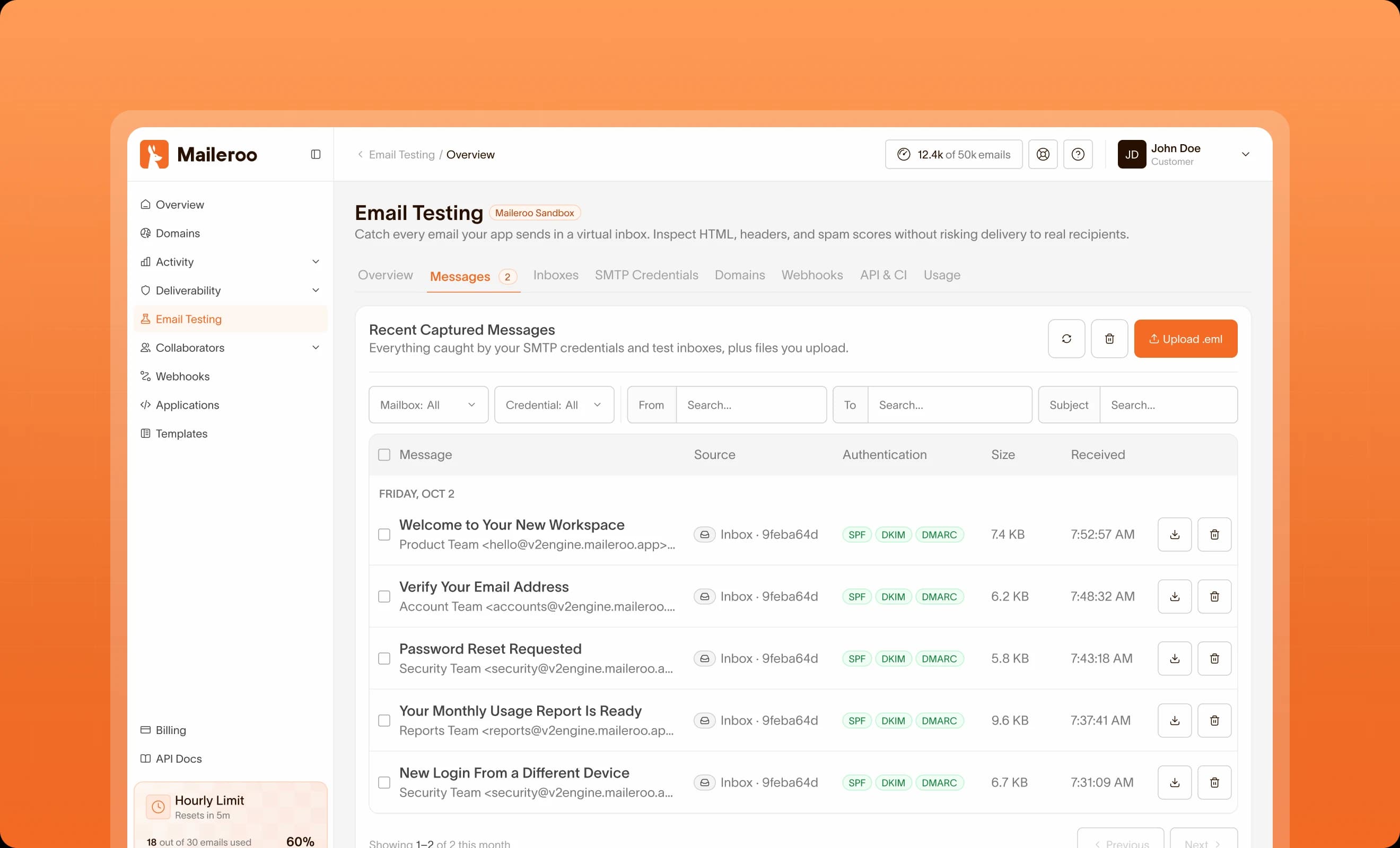
Maileroo Email Testing dashboard listing captured messages with SPF, DKIM, and DMARC results
How It Works

Test the Whole Email Lifecycle

Capture every test email, run it through real spam and blocklist checks, then trigger opens, clicks and complaints to see exactly how your app responds.

1. Capture Test Emails

Point your app at Maileroo sandbox SMTP or a dedicated test inbox. It works with any language or framework. Every message is captured and kept in your account, so you can run complete flows without anything reaching real recipients.

2. Analyze Every Message

Each email is scored by Rspamd, checked against major RBLs and reviewed by AI for content and formatting issues. Authentication, headers, links and attachments are shown in the same view, so you can fix problems before production.

3. Trigger Real Events

Open the email to fire your tracking pixel, click links to test redirects, or send ARF complaints, unsubscribes, replies and out-of-office responses. See how your app handles each event before real users do.

Start Testing
Email Testing Toolkit

Everything You Need to Ship Emails That Work

Capture, inspect, score and trigger events on every test email. Maileroo gives developers one place to test complete email flows before they reach production.

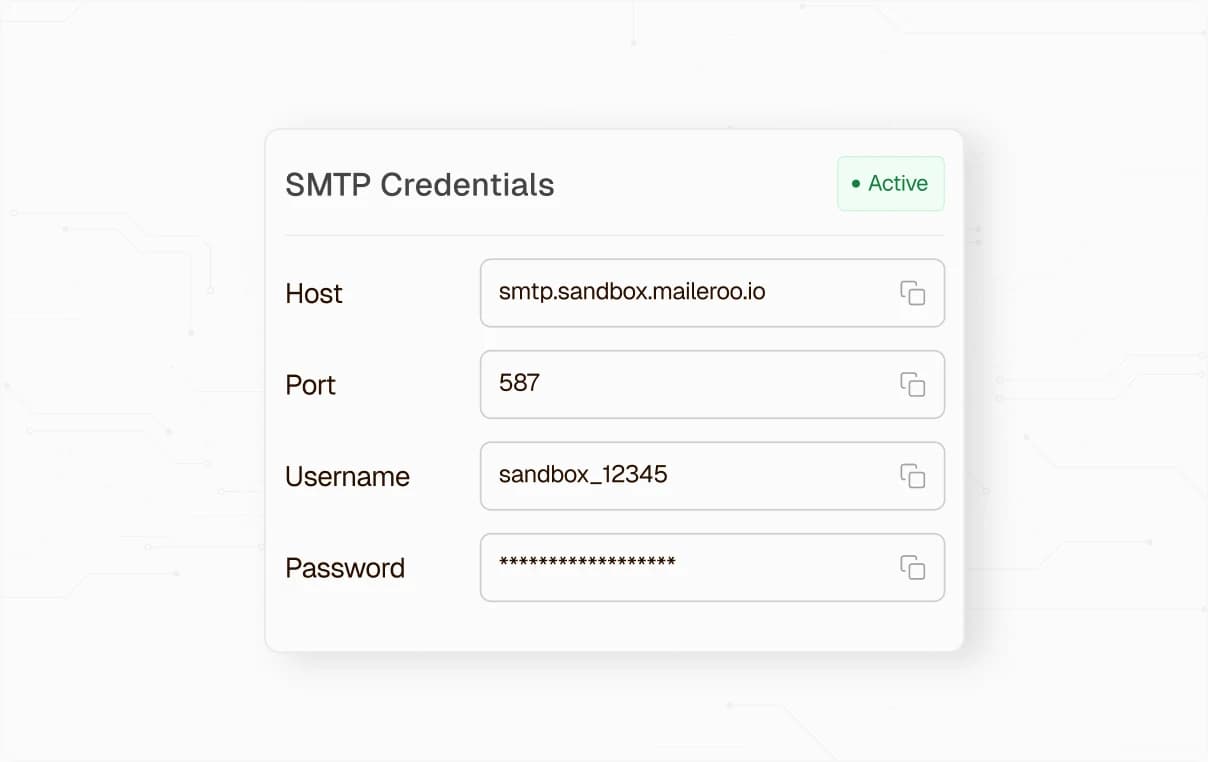
Sandbox SMTP credentials with host, port, username, and password

SMTP Sandbox

Swap in your sandbox SMTP credentials, and every email your app sends is captured inside Maileroo instead of being delivered. Use the full API to fetch messages and run assertions in your CI/CD pipeline, without reaching real recipients or touching production.

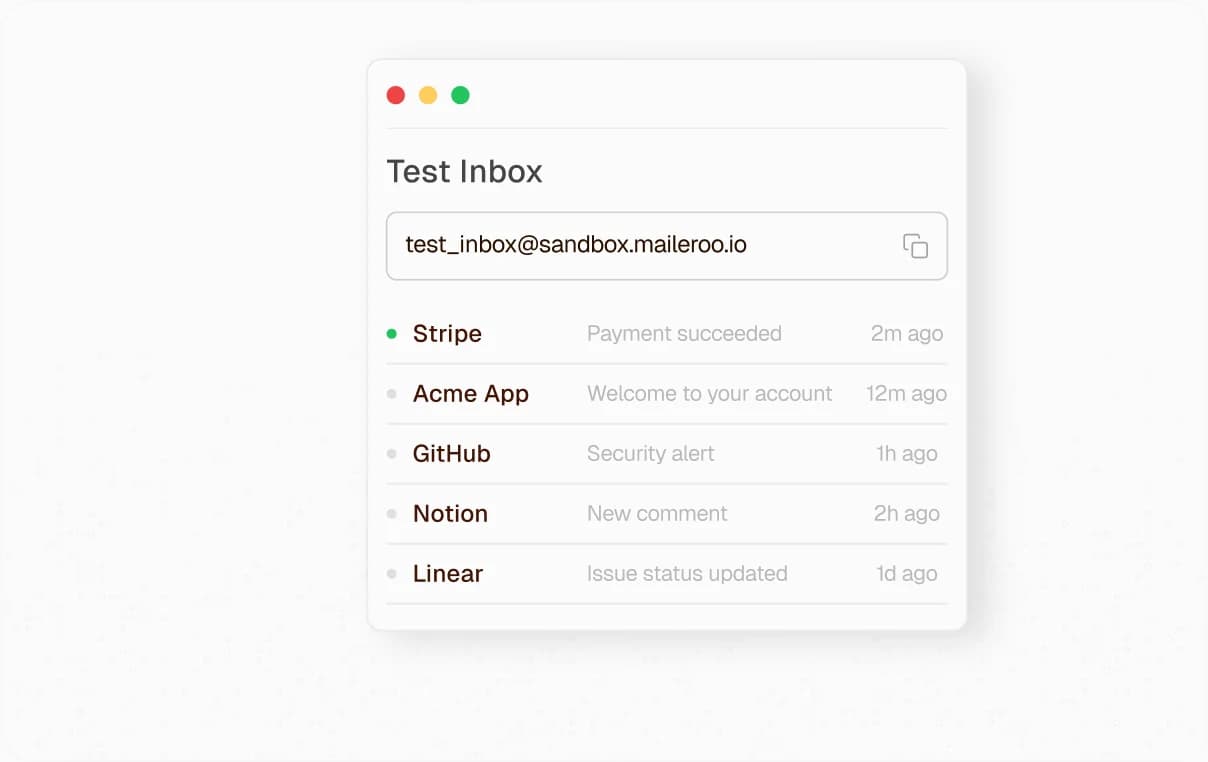
Test inbox receiving messages from several applications

Test Inboxes

Create permanent or temporary inboxes from the dashboard or the API, so each CI/CD run or test scenario gets its own address. Receive mail from your app or any third-party service instantly, and inspect each one without involving real recipients.

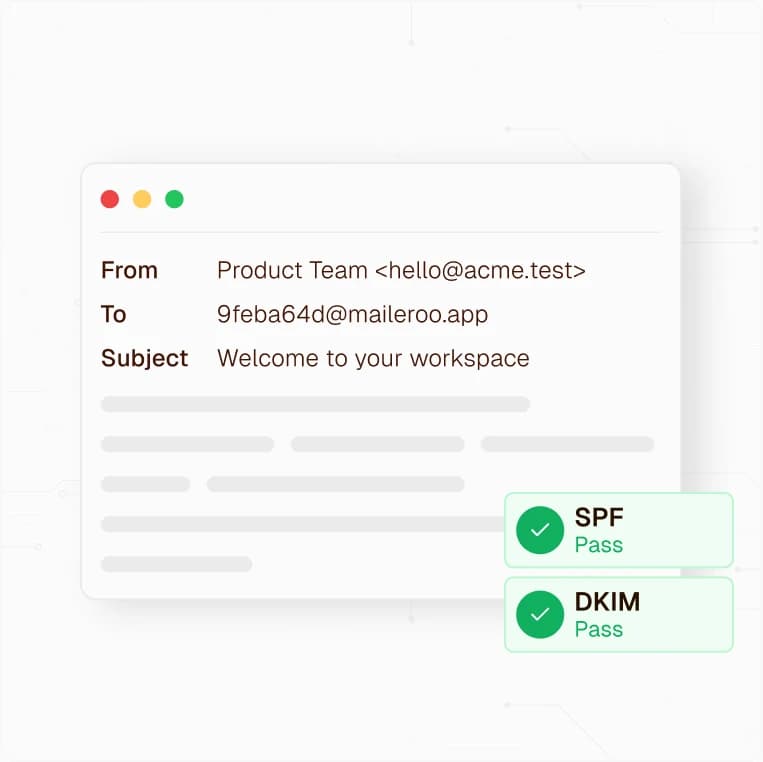
Captured email with sender, recipient, subject, and passing SPF and DKIM results

Email Inspection

Preview every captured message in light and dark mode to see how it looks in email clients. Check headers and SPF, DKIM and DMARC results, while Rspamd scoring and RBL checks flag spam and blocklist issues before launch.

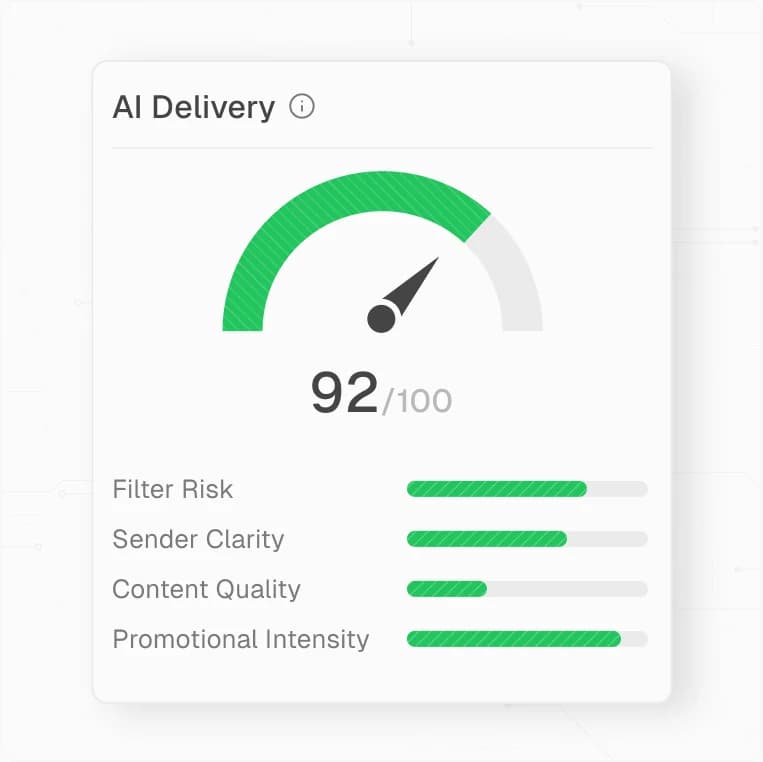
AI delivery score of 92 out of 100 with filter, sender, content, and promotional ratings

AI Analysis

Get a delivery score out of 100, with AI breaking down filter risk, sender clarity, content quality and promotional intensity. Catch spammy or overly salesy wording and know what to fix before your emails reach real inboxes.

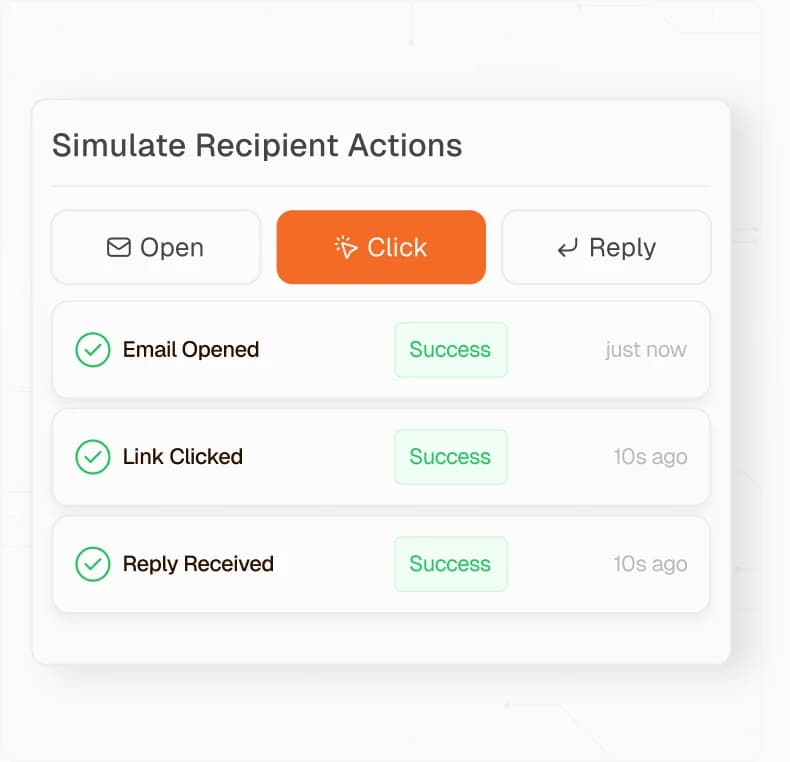
Simulated open, click, and reply events marked as successful

Recipient Actions

Open emails to fire your real tracking pixel, click links to test redirects, and send replies, unsubscribes, auto-replies and ARF complaints. Confirm your app handles every event before it happens in production.

Advanced Testing

Go Further Than a Basic Email Sandbox

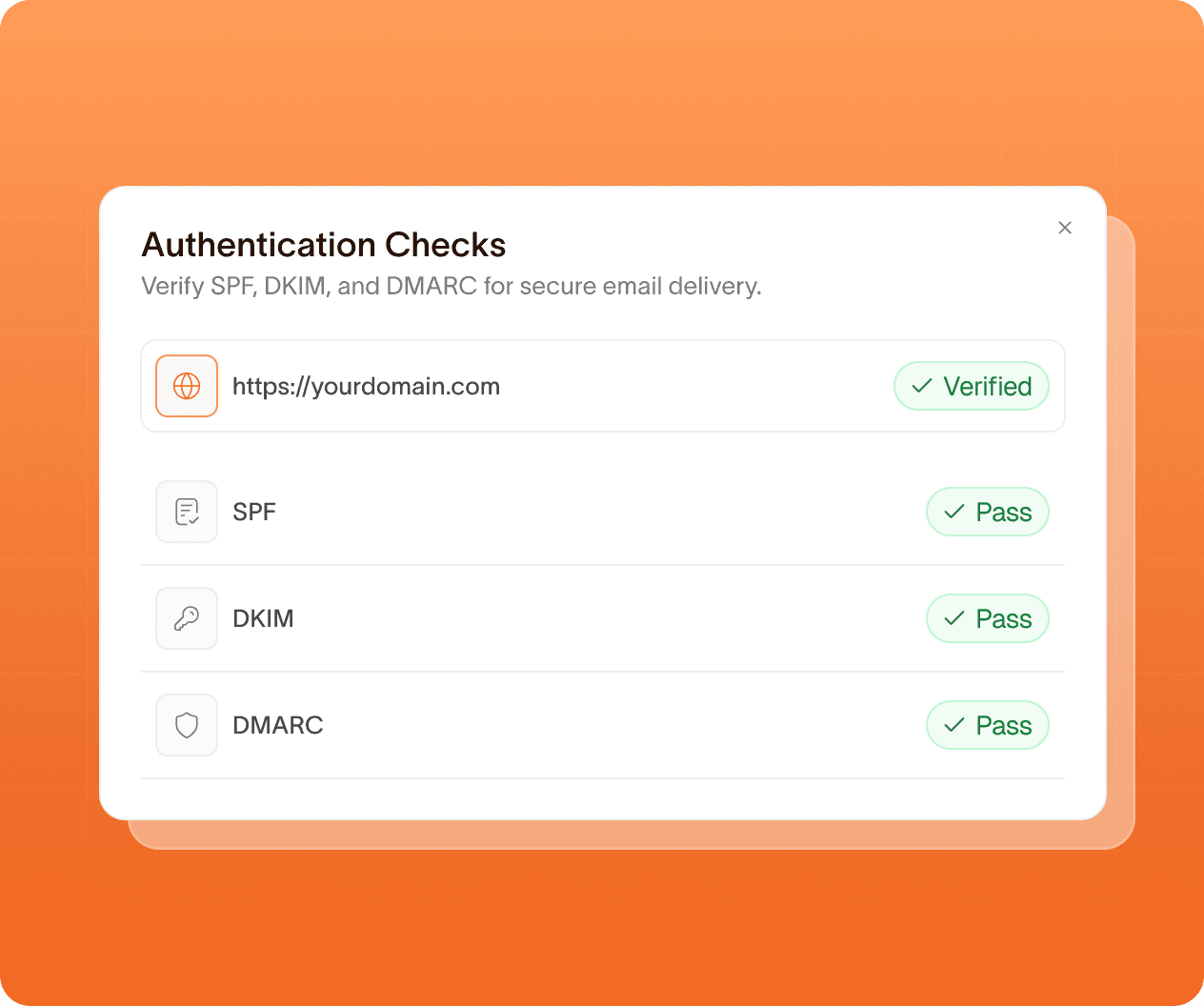
Every test email gets authentication checks, Rspamd scoring, RBL lookups and AI analysis. Then trigger real opens, clicks and complaints to see how your app responds before real users do.

Authentication checks showing SPF, DKIM, and DMARC passing for a verified domain
Customer Stories

Loved by Developers, Trusted by Growing Teams

From side projects to production apps, developers choose Maileroo for its quick setup, clean API, reliable delivery and fair pricing. Here's what they have to say.

I really like it. It is a new service, so there is always the possibility that as it grows, it might deteriorate over time, but my experience so far has been exceptional. The instructions for adding domains are clear and easy to follow, domain verification after adding the correct DNS records is very fast, the emails are sent promptly, and so far none of them have ended up in spam folders.

Aarón B.
Aarón B.
Review on Trustpilot

What a Joy to work with, I couldn't be more impressed with the services provided by Maileroo.com. From the moment I signed up, the experience was seamless and efficient. The platform is incredibly user-friendly, making it easy for me to manage my emails and campaigns effortlessly.

Shaun Smith-Roberts
Shaun Smith-Roberts
Review on Trustpilot

We were searching for a new SMTP provider, after the one we were using raised the prices for the 3rd time - in 2 years. We Found Maileroo and couldn't be happier. Everything works smoothly, prices are top-notch, and their support is friendly and helpful.

I'm not a techie person or programmer, and this is my first time using an SMTP server. I was having some issues setting up one of my tools with maileroo's SMTP servers. A quick support chat inquiry led me to one of the co-founders who spent about an hour with me to solve my issue. In the end, it was all my own human error. We were able to fix the issue, but the best thing about the whole experience was how patient and pleasant Areeb was. Just a really great experience, especially for someone like me who isn't a developer or IT specialist.

Kris Flynn
Kris Flynn
Review on Trustpilot

I've been through a number of mail services over the last few years and maileroo is a standout for me. Everything about it. The underlying service is great, the architecture is solid and its super reliable and delivery is fast. As well as that the UX for the interface is also really well crafted making it a pleasure to use. Beyond that the service levels are superb, fast and useful. Lastly, the price point is superb. It really is hard to fault Maileroo, I'd give it 6 stars out of 5 if I could

Vincent Turner
Vincent Turner
Review on Trustpilot
FAQ

Questions? We've Got Answers

From deliverability and infrastructure to pricing and integrations, here's what developers ask us most before they send their first email.

Maileroo Email Testing is a safe place to send your test emails. Point your app or email service at Maileroo, and every message is captured instead of delivered. You can then open each message, run checks on it and preview how it renders, so you find problems before your customers do. Captured mail never reaches real recipients.

There are three ways. Over SMTP, create a login and point your app at smtp.maileroo.net on port 465 (TLS from the start), or on port 587 or 2525 (upgraded with STARTTLS). With inbound addresses, send real mail from any provider to an address we give you, the same way an outside mail server would. You can also upload an existing .eml file through the API.

No. Every account can create addresses on our shared domain, sandbox.maileroo.net, right away, with no DNS changes. If you'd rather use a domain you own, add one MX record pointing to mx.maileroo.net and verify it. You can also create temporary addresses that expire after a set time.

Every captured message is checked automatically. You'll see SPF, DKIM, DMARC and ARC results, with a detailed breakdown of why each one passed or failed, plus BIMI (brand logo) eligibility and your MTA-STS and TLS-RPT setup. Maileroo scores each message with Rspamd, a widely used open-source spam filter, and checks whether the sending IP or any link in the message is on a blocklist. You also get reverse DNS results and the full delivery path. Maileroo flags accessibility problems such as images with no alt text, checks whether Gmail will clip the message for being too large and confirms your List-Unsubscribe setup is correct. Each message also gets an overall domain reputation score.

AI Analysis is an on-demand check that reads your email the way a modern spam filter would. It scores the message from 0 to 10 and gives it a verdict: clean, low risk, suspicious, likely spam or spam. It looks for phishing patterns, compliance gaps and content problems. Before anything is sent to the AI model, recipient addresses are masked, and tracking, password-reset and unsubscribe tokens are removed from links.

Yes. Maileroo renders a full-page preview in both light and dark mode. It warns you about Gmail clipping, images with no alt text, dark-mode contrast risks and remote images that couldn't be loaded.

Yes. Create a dedicated test address, then add a tag to it whenever you want to change how it responds. These tagged addresses are called magic addresses. For example, user+bounce@, user+hardbounce@ and user+complaint@ simulate a soft bounce, a hard bounce and a spam complaint. You can also act as the recipient: open the email to load its images, click some or all of its links, unsubscribe, send a reply, send an out-of-office auto-reply or file an abuse report.

Yes, it's built for automated testing. A ready-made GitHub Action and a command-line tool let your tests wait up to 40 seconds for a specific email to arrive. They can also check that the spam score, SPF, DKIM, DMARC, message size, Gmail clipping and link blocklist results meet your thresholds, and click links in the message. Webhooks notify your systems when a message arrives, when analysis finishes or when an action completes. Every webhook is signed and retried automatically.

Yes. Anything that can send over SMTP works once you change the host, username and password, including web frameworks, transactional email libraries and marketing tools. To test mail exactly as your live email provider sends it, send to a Maileroo inbound address, and you'll see the real headers, signatures and delivery path.

Messages and their attachments are kept for 14 days, then deleted automatically, and you can delete any message sooner. Messages are stored privately and separately for each account. Files can only be reached through download links that expire after 15 minutes, and SMTP logins require an encrypted (TLS) connection.

Features

Crafted for a Delightful Email Experience

Everything behind reliable delivery at any volume: sending, verification, routing, and the analytics to see what happened, from first API call to millions a month.

SMTP Relay

Send transactional and bulk emails through reliable SMTP infrastructure built for speed, security, and deliverability.

View More

Email API

Integrate email delivery into your applications using powerful APIs built for flexibility, scalability, and performance.

View More

Streams

Separate transactional and marketing traffic into isolated sending streams to protect reputation and keep critical emails fast.

View More

Inbound Routing

Receive and route incoming emails directly into your applications using flexible automation and processing workflows.

View More

Email Marketing

Create and deliver marketing campaigns designed to increase engagement, reach, and customer retention.

View More

Webhooks

Receive real-time event notifications for deliveries, opens, and clicks for storage and automation workflows.

View More

Analytics

Monitor email performance with detailed insights, reporting tools, and actionable delivery metrics in real time.

View More

Email Testing

Capture, inspect, and validate every message in a safe sandbox, with authentication checks and spam analysis before going into production.

View More

Developer SDKs

Build integrations faster using SDKs, code examples, and resources for modern application development.

View More
Ready to Move Your Email to Maileroo?
Migrating is usually the part people dread. It shouldn't be: add the DNS records, change the credentials in your app, and send. Our team is around if you want a second pair of eyes on the setup.