Drag, Drop, Deploy
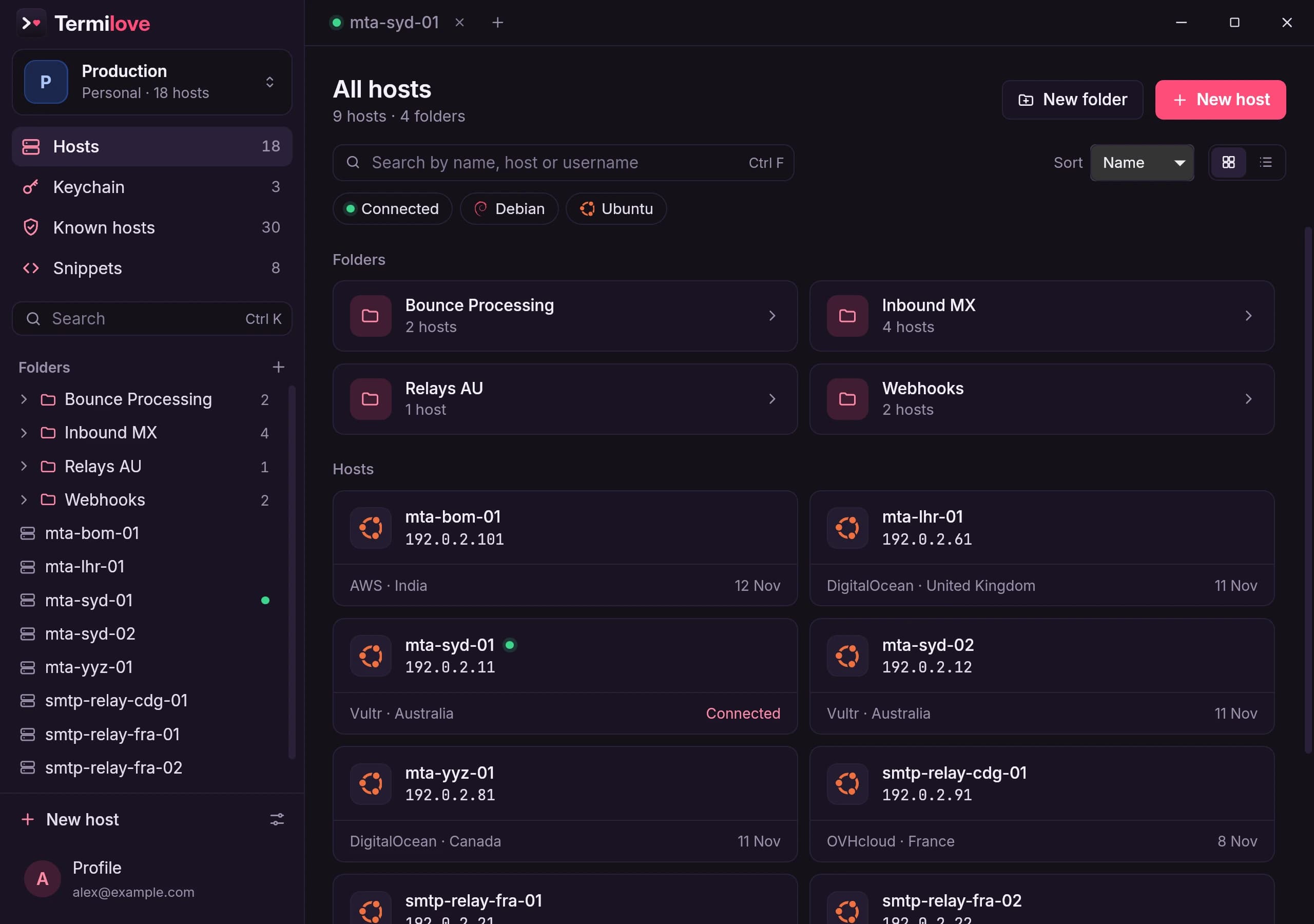
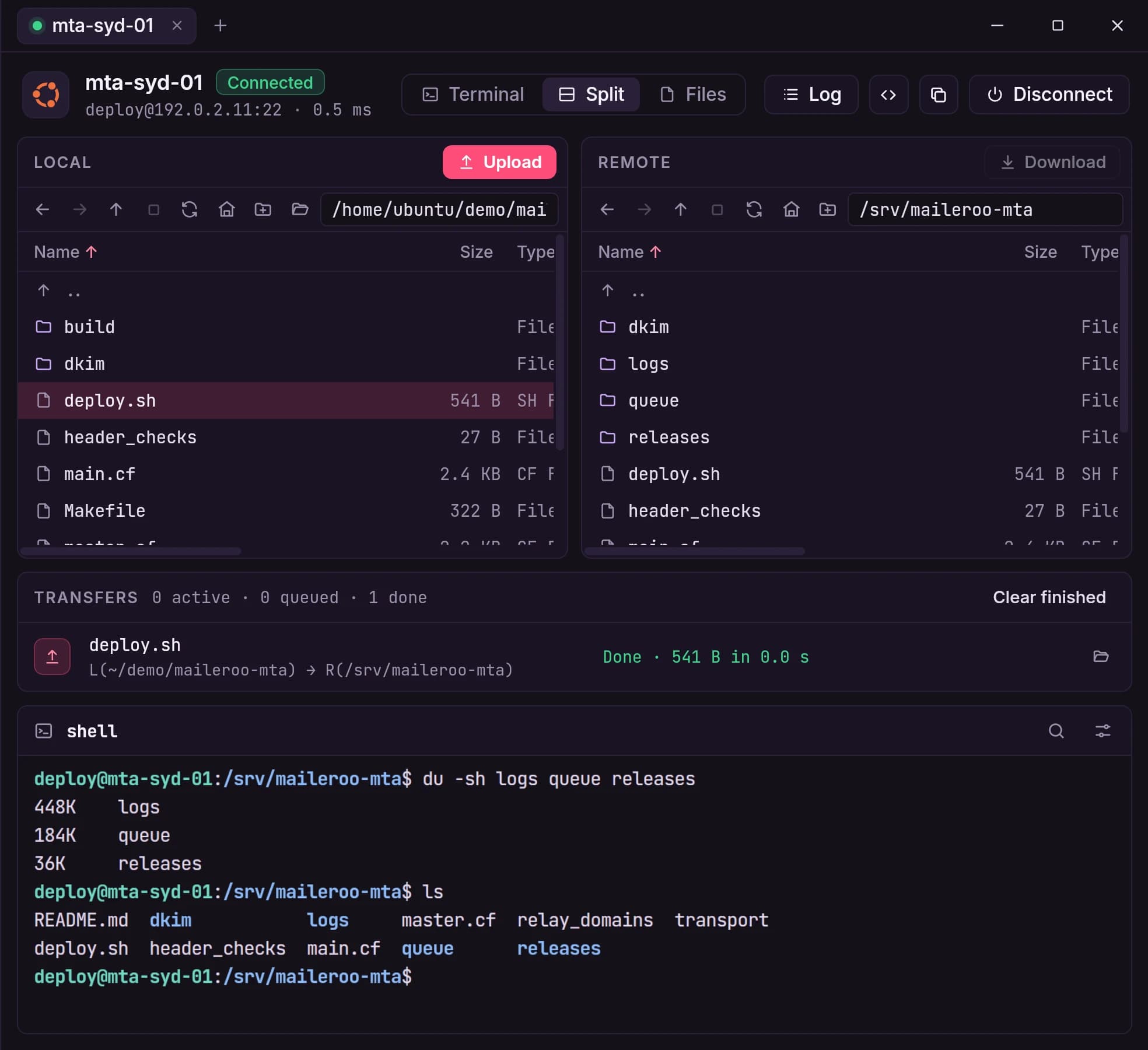
Open a connection in Terminal, Files or Split view. In Split, local and remote folders share the window with the terminal below.
Move the files you need, then run the next command. You can see the transfer and the shell without losing your place.
Make a Key Once.
Use It Everywhere.
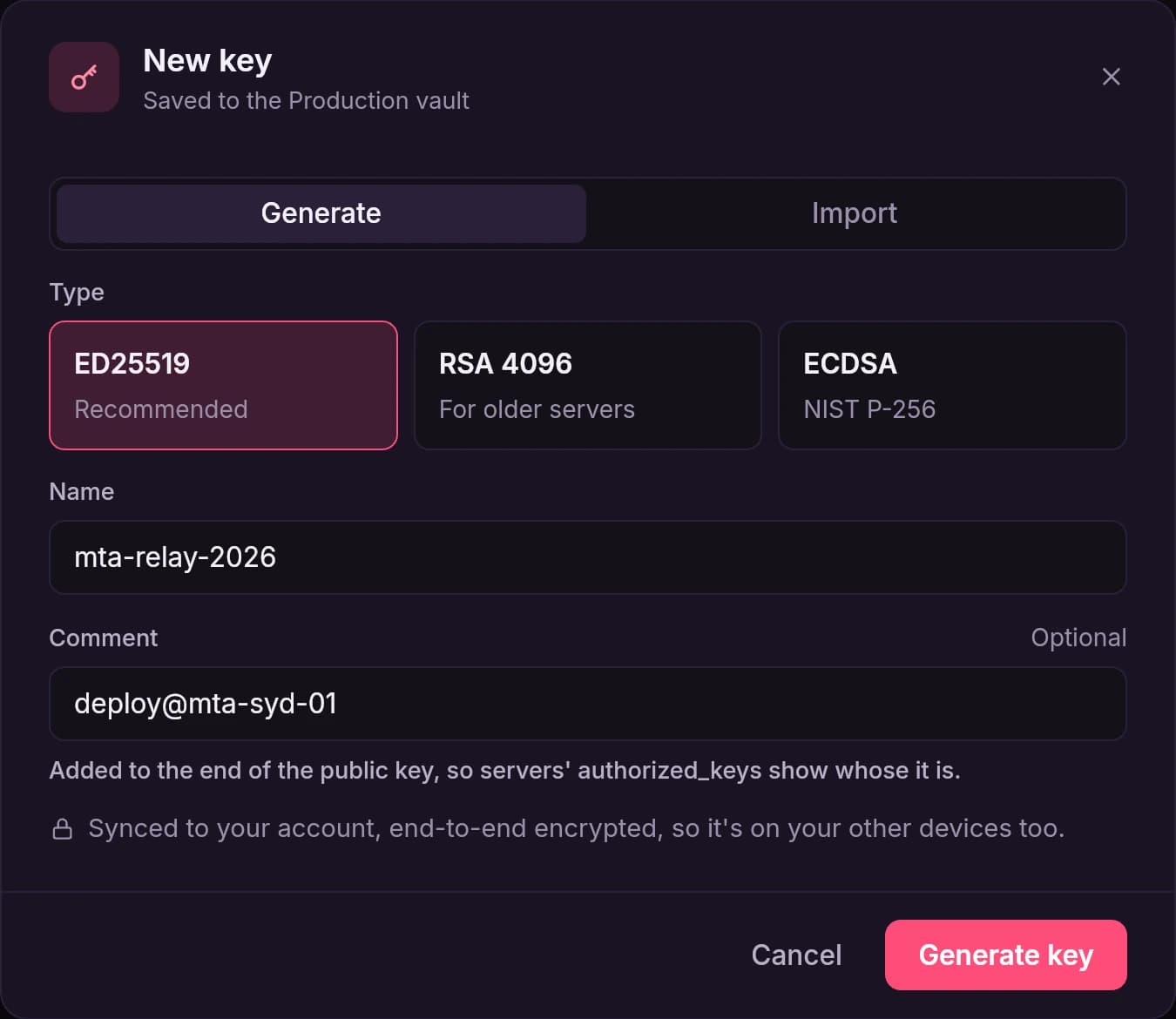
Generate a fresh SSH key in a couple of clicks, or import the ones you already use. Sort them into vaults and keep them next to the hosts that need them. No more guessing which key goes where.
Private keys are encrypted on your device before they synchronization. Set them up on one computer and they are already waiting on the rest of your devices.
Stop Digging Through
Your Bash History.
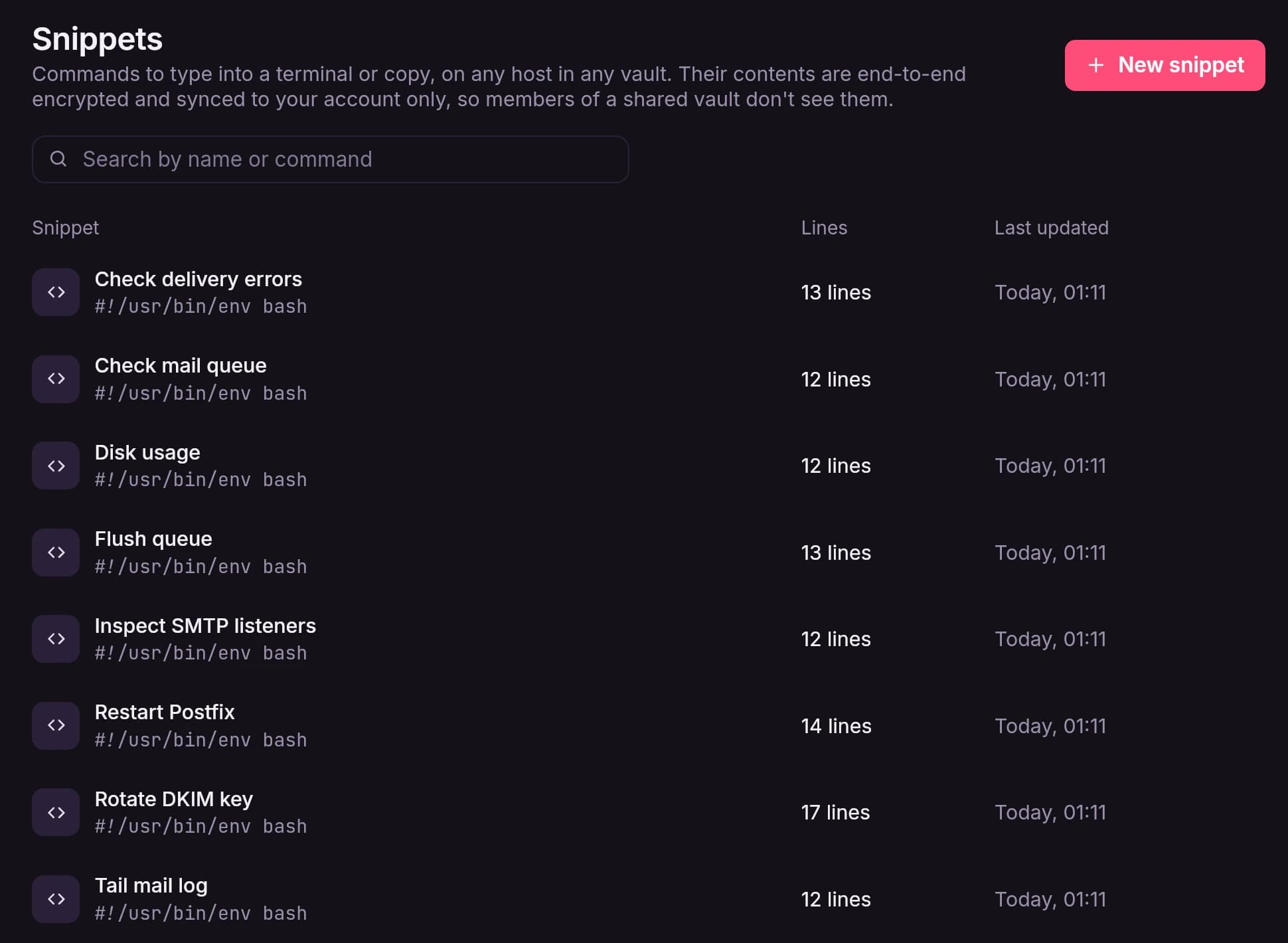
Save the commands and scripts you keep reaching for, from a quick disk check to a full deploy. When you need one, send it straight into the open terminal or copy it. Any host, any vault.
Snippets sync end-to-end encrypted, and they stay yours. Even in a shared vault, your teammates won’t see them. Switch machines and your whole toolkit comes with you.